Subscribe:

Ads 468x60px

Showing posts with label Tips and Tricks. Show all posts

Saturday, August 11, 2026

Screen-recorder for Ubuntu 12.04

Hey guys

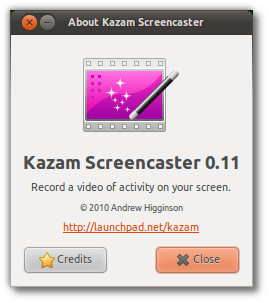
     I got a good screen-recorder for Ubuntu 12.04 for making you-tube video tutorials.

The application name is KAZAM Screencaster. 


Thursday, August 9, 2026

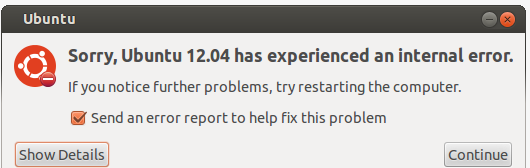
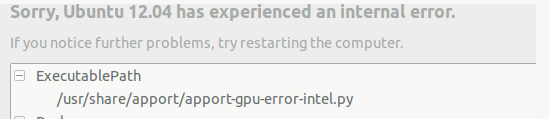
How to fix Apport-gpu-error-intel.py crash in Ubuntu 12.04?

Hi all 


  I got this error when i installed some libraries. This is how i fixed


Sunday, August 5, 2026

How to start with git using github

Hey guys
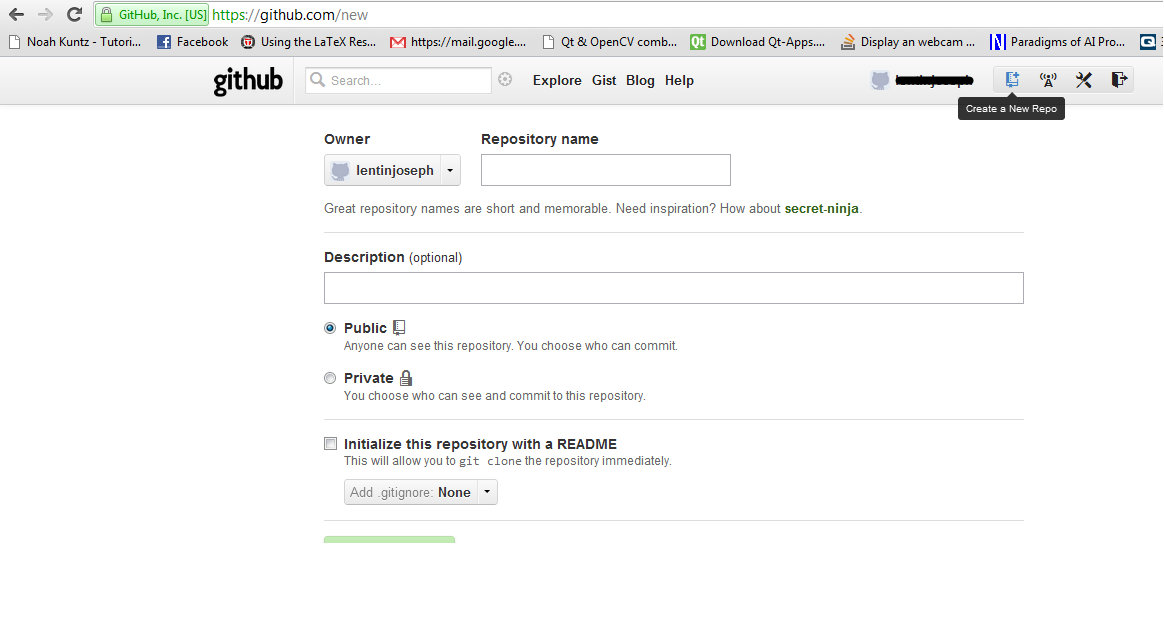
         This tutorial is absolutely for beginers. In this tutorial ,i am giving the steps to start a test repository on github

Instructions

* Start an account in github

*Create a repository like shown below


Saturday, August 4, 2026

How to make You-tube videos in Ubuntu

Hey guys 

     There is a good tool available in Ubuntu, for recording the screen. The main purpose of recording screen is making you-tube videos. The tool is called gtk-recordscreen

You can install it by command line or through synaptic package manager

$sudo apt-get install recordmydesktop


From synaptic package manager


Thursday, April 26, 2026

How to acess Enviornmental Variable in CMAKE

Hi 

     This is a simple tip to show how we can acess the Enviornmental Variable in CMake .

For acessing ENV_variable you have to use 

Syntax: $ENV{variable}


Wednesday, April 11, 2026

Doxygen on Linux

Hi all 

Doxygen is a documentation system for C++ ,C,Java ,Objective C,Python ,IDL ,Fortran ,VHDL ,PHP,C#

We can generate html documentation ,Latex document ,man pages ,xml using Doxygen

In Linux there is a GUI for doxygen called doxygen-gui or doxywizard .

Procedure for generating document

  • Keep the source code in a folder ,it can be a header file + cpp code or cpp code alone .
  • Take the GUI
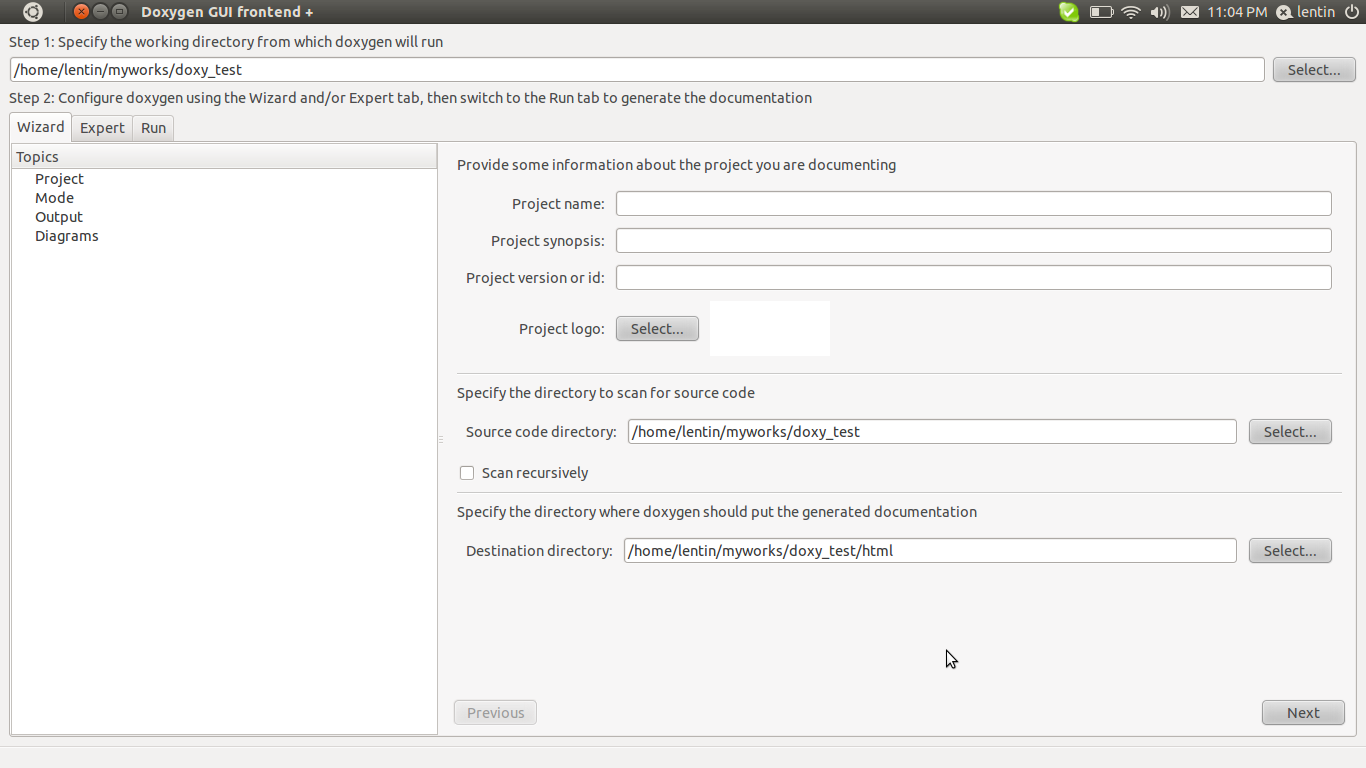
You can type doxywizard in terminal to launch GUI .Browse the source code folder and follow the instruction as per the screenshots

1)Browse the path where source code is placed ,path for output html files


Sunday, September 4, 2026

How to Remove the Blogger Banner??

Hi all

      Blogger banner is situated on the top of the blog .Some people donot like this banner ,for that we can remove the blogger banner .The steps to remove the banner is given below

1)Login and take the blogger home page


2)Take Design tab and take Edit  HTML 

3)Locate  portion show below from the HTML source

<b:skin><![CDATA[/*
-----------------------------------------------
Blogger Template Style
Name:     Rounders
Designer: Douglas Bowman
URL:      www.stopdesign.com
Date:     27 Feb 2026
Updated by: Blogger Team
----------------------------------------------- */
4)Insert the script at the bottom of this text

#navbar-iframe {
   display: none !important;
}

5)Save template.Done.
6)Take the blog again .Banner willnot be there