Subscribe:

Ads 468x60px

Showing posts with label Kinect. Show all posts

Thursday, September 6, 2026

ROS and Kinect

Hi Guys

     The following video shows how we can interface kinect and ROS

Video
--------


Thursday, August 2, 2026

How to get 3D Coordinates from Kinect

This is a simple tutorial helps you to get the 3D coordinates from Kinect using OpenNI library

Code snippet

 xn::DepthGenerator & Xn_depth;  
 const XnDepthPixel * pDepthMap = Xn_depth.GetDepthMap();  
 XnPoint3D Point2D, Point3D;  
 Point2D.X = ii;   //x-pixels  
 Point2D.Y = jj;  //y-pixels  
 Point2D.Z = pDepthMap[jj*640+ii];Xn_depth.ConvertProjectiveToRealWorld(1, &Point2D, &Point3D);  
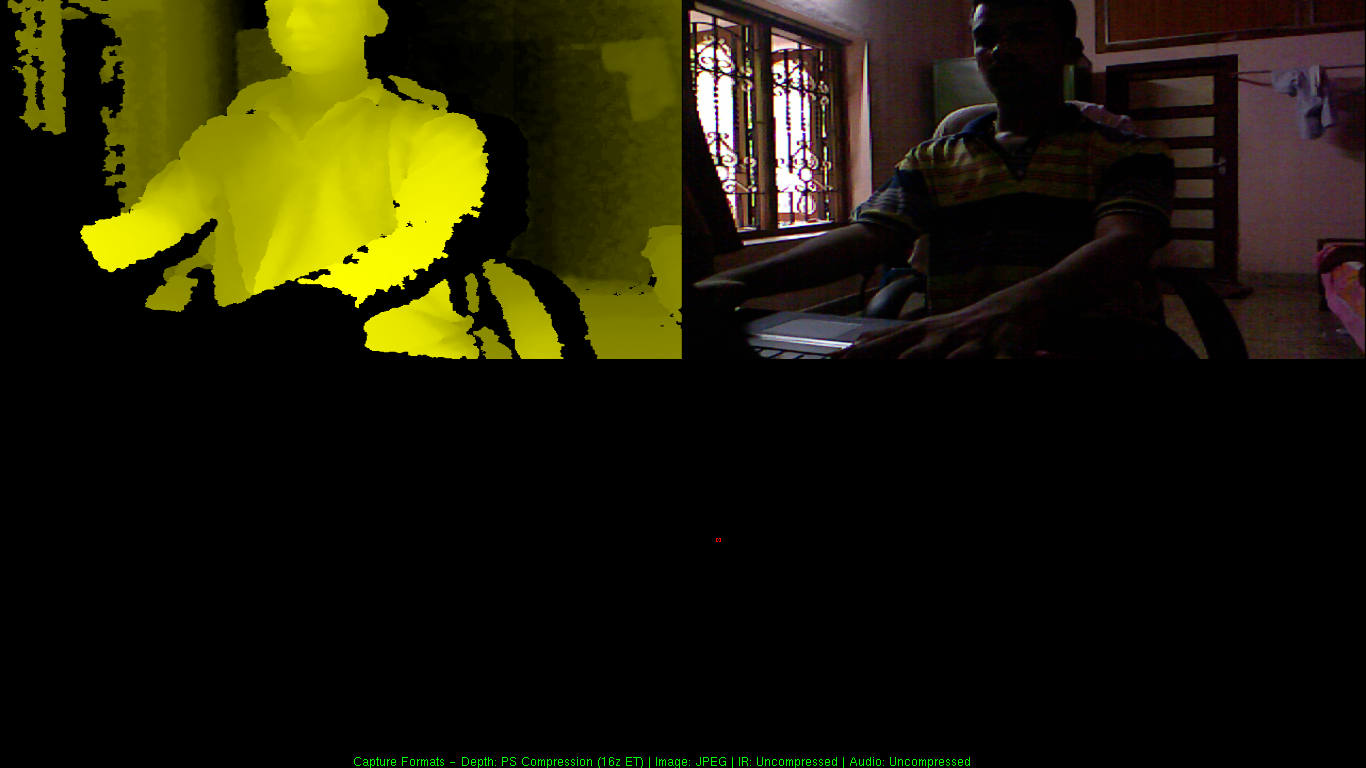

Example Code showing the usage of this snippet. This code combine OpenCV and OpenNI. It gives X,Y,Z coordinate of the desired x,y pixel that we supply through command line argument.

Setting OpenCV in Windows

Installing OpenNI in Windows 7

Setting OpenNI in Visual studio 2010


Monday, July 30, 2026

Kinect IR Pattern Captured using Mobile Camera

Hi 

       I took a video of IR Pattern getting from Kinect IR projector. Its awesome :)


Tuesday, July 10, 2026

How to install OpenNI in Windows 7

Hi all 

This is a brief tutorial to install OpenNI in Windows 7. I am installing  OpenNI version 1.54 unstable.

The main feature of OpenNI 1.54 is, there is no Psi pose calibration in skeleton tracking. 
The skeleton tracking is also faster when we compared with Kinect SDK from Microsoft. OpenNI is crossplatform and available for C++,Java,C# languages.

Installation procedure
--------------------------

1)Download following files from the link 


2)Download the following files


Install all installers in the same order. Install avin2sensors drivers for installing primesense drivers for Kinect.

Take examples from the Sample folder from openNI.
Take NiViewer for viewing depth and rgb image..


Tuesday, June 26, 2026

Simple OpenNI and Kinectspace

I got two interesting libraries for kinect and kinect gesture recognition

I am sharing the links of two

Simple OpenNI
--------------------


Kinectspace lib  for gesture training and recognition
--------------------------------------------------------------


Video


Thursday, May 24, 2026

Skeleton joints orientation using Kinect SDK 1.5

Hi all

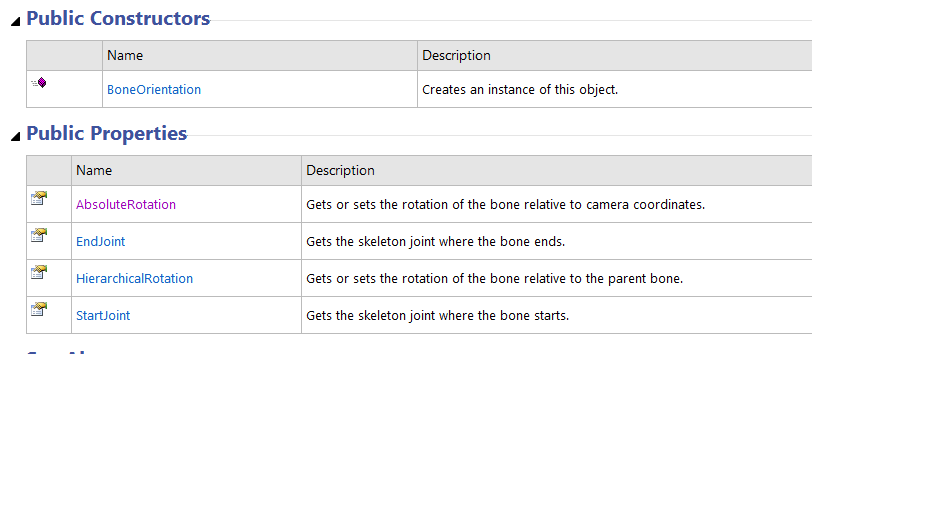
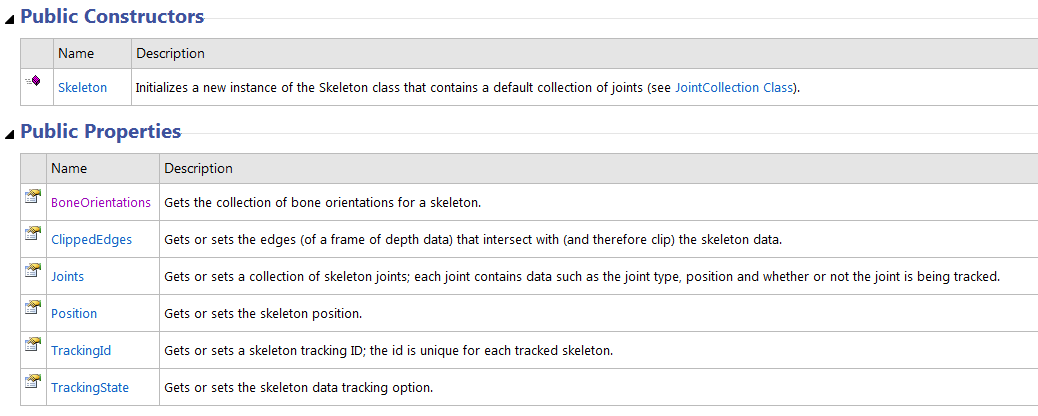
     Microsoft recently add bone orientation  feature in new Kinect SDK 1.5 .I am attaching the links and screenshots of the API's

Main classes in Microsoft.Kinect

Bone Orientation member functions


Skeleton class Members


Wednesday, May 23, 2026

Kinect SDK 1.5 sample code demos

Hi 

 I am sharing the youtube links of Kinect SDK 1.5 demos that i did


Kinect SDK Face tracking with visualisation


Kinect SDK 3D Face tracking

Sunday, September 18, 2026

How to program Kinect Sensor using Python in Ubuntu Linux

Hi all

        This post is dedicated to Kinect Lovers .Kinect is a motion sensing input device by Microsoft for XBOX360 Game Console .The sensor consist of infrared camera and array of mic .We can use this sensor for Image processing  .I will show how to access data from Kinect Sensor .The platform is Linux and we can do programming in following Languages


  • Python 
  • C
  • C++
  • Actionscript
  • C#
  • Java
  • JavaScript
  • Common Lisp

I am choosing python ,because it is very easy to  program in python .

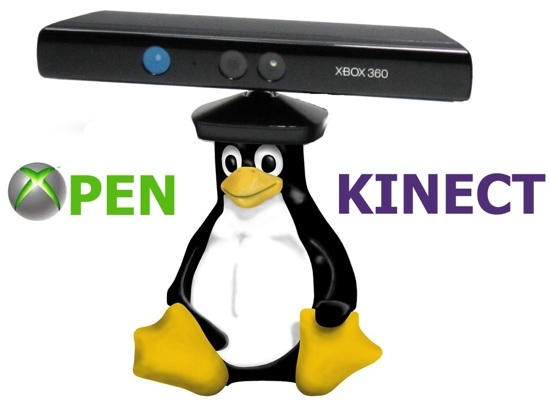
OpenKinect


OpenKinect is an open community of people interested in making use of the amazing Xbox Kinect hardware with our PCs and other devices. We are working on free, open source libraries that will enable the Kinect to be used with Windows, Linux, and Mac.
The OpenKinect community consists of over 2000 members contributing their time and code to the Project. Our members have joined this Project with the mission of creating the best possible suite of applications for the Kinect. OpenKinect is a true "open source" community!
Our primary focus is currently the libfreenect software. Code contributed to OpenKinect where possible is made available under an Apache20 or optional GPL2 license.
For more Information you can refer this Link


Installation of OpenKinect


1)Download Source code is available here: https://github.com/OpenKinect/libfreenect   
2)Extract the contents and take terminal in that path.
3)Type cmake .
4)make
5)sudo make install
6)Install python wrapper Its in the wrappers/python folder
https://github.com/OpenKinect/libfreenect/tree/master/wrappers/python/
7)Type sudo python setup.py install
8)Done