Hi all
1)Download Source code is available here: https://github.com/OpenKinect/libfreenect
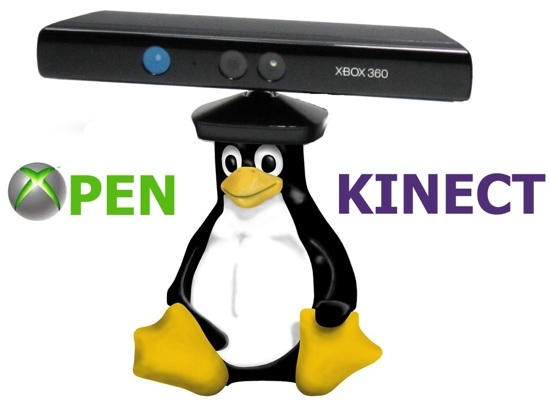
This post is dedicated to Kinect Lovers .Kinect is a motion sensing input device by Microsoft for XBOX360 Game Console .The sensor consist of infrared camera and array of mic .We can use this sensor for Image processing .I will show how to access data from Kinect Sensor .The platform is Linux and we can do programming in following Languages
- Python
- C
- C++
- Actionscript
- C#
- Java
- JavaScript
- Common Lisp
I am choosing python ,because it is very easy to program in python .
OpenKinect
OpenKinect is an open community of people interested in making use of the amazing Xbox Kinect hardware with our PCs and other devices. We are working on free, open source libraries that will enable the Kinect to be used with Windows, Linux, and Mac.
The OpenKinect community consists of over 2000 members contributing their time and code to the Project. Our members have joined this Project with the mission of creating the best possible suite of applications for the Kinect. OpenKinect is a true "open source" community!
Our primary focus is currently the libfreenect software. Code contributed to OpenKinect where possible is made available under an Apache20 or optional GPL2 license.
For more Information you can refer this Link
Installation of OpenKinect
2)Extract the contents and take terminal in that path.
3)Type cmake .
4)make
5)sudo make install
6)Install python wrapper Its in the wrappers/python folder
https://github.com/OpenKinect/libfreenect/tree/master/wrappers/python/
https://github.com/OpenKinect/libfreenect/tree/master/wrappers/python/
7)Type sudo python setup.py install
8)Done