
TechnoLabsz: Exploring New Technology
Welcome to Technolabsz, a technology blog covering OpenCV, robotics, programming, electronics projects, GNU/Linux, Arduino, computer topics, Python, hacking and mobile phones. Follow along and stay connected through our social channels.


Browse by Topic
Popular Posts


How to easily install OpenCV on Raspberry Pi · How to do OpenCV Haar training
New ROS Book for Robotics Projects
Announcing a third book focused on robotics projects built with the Robot Operating System (ROS). It covers an introduction to ROS and programming robots using ROS, and is available for pre-order through the links below.
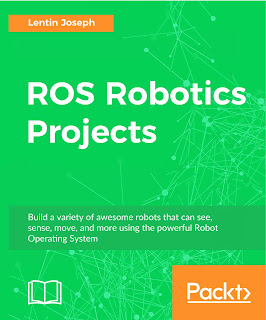
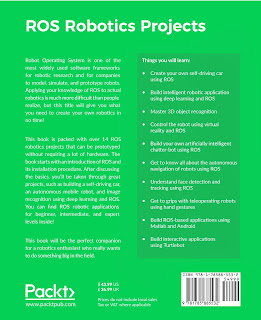
A demo video of the self-driving car project included in the book is available.
ROS Robotics Projects Website PACKT Website
Read the full post · Comments · Email This · BlogThis! · Share to Email · Share to Blog · Share to X · Share to Facebook · Share to Buzz
PyOverFlow: Automated Solution Searching for Runtime Errors
PyOverFlow is a Python package created to automate searching for help when code hits runtime errors. It retrieves the top Google result and displays it in the web browser whenever an error occurs, and you can specify how many solutions you want when exceptions arise. When an exception happens, it automatically searches for a fix.
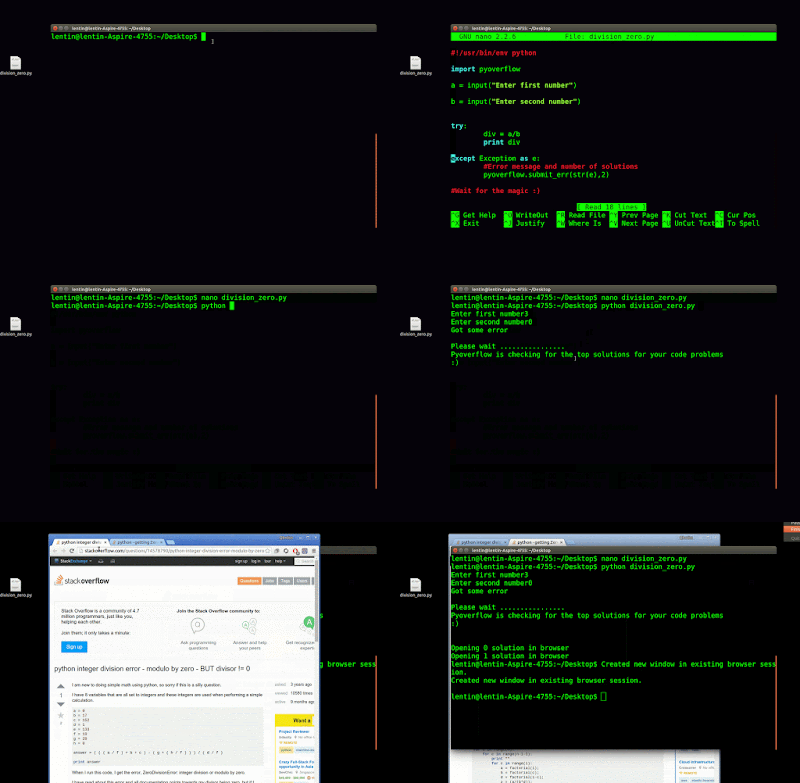
Installing PyOverFlow
The source code is available at the links below. Extract the source code and open a terminal in the extracted folder, then run the install command. Make sure you have a proper internet connection.
$ sudo python setup.py install
Read the full post · Comments · Email This · BlogThis! · Share to Email · Share to Blog · Share to X · Share to Facebook · Share to Buzz
Second Book Published: Mastering ROS for Robotics Programming
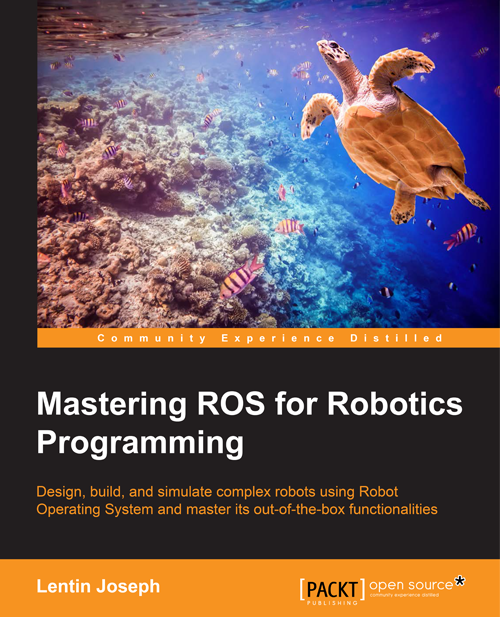
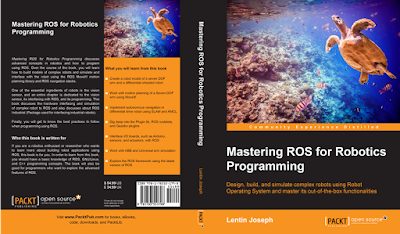
The second book has been released and teaches the Robot Operating System. Titled "Mastering ROS for Robotics Programming", it is an advanced ROS book now available on the market. The cover page is shown below.
Official Website Amazon Global Amazon UK Amazon India Book Website
Read the full post · Read more · Comments · Email This · BlogThis! · Share to Email · Share to Blog · Share to X
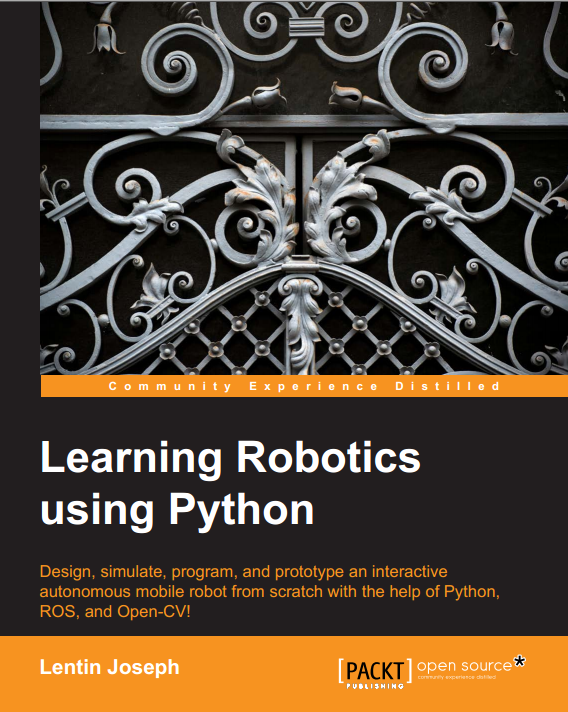
Published a Book: Learning Robotics using Python
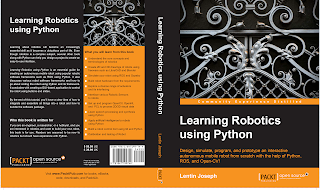
After a break from blogging while founding a robotics startup called Qbotics Labs and writing a new book, the book "Learning Robotics using Python" is now published. The cover page is shown below.
About This Book
- Design, simulate, build and program an interactive autonomous mobile robot
- Program the Robot Operating System using Python
- Get a hands-on guide to robotics for learning various concepts and building an advanced robot from scratch
Who This Book Is For
If you are an engineer, researcher or hobbyist interested in robotics and want to build your own robot, this book is for you. Readers are assumed to be new to robotics but should have experience with Python.
What You Will Learn
- Understand the core concepts and terminologies of robotics
- Create 2D and 3D drawings of robots using freeware such as LibreCAD and Blender
- Simulate your robot using ROS and Gazebo
- Build robot hardware from the requirements
- Explore a diverse range of actuators and their interfacing
- Interface various robotic sensors to robots
- Set up and program OpenCV, OpenNI and PCL to process 2D/3D visual data
- Learn speech processing and synthesis using Python
- Apply artificial intelligence to robots using Python
- Build a robot control GUI using Qt and Python
- Calibration and testing of the robot
In Detail
Learning about robotics will become an increasingly essential skill as it becomes a ubiquitous part of life. Even though robotics is a complex subject, several other tools along with Python can help you design a project to create an easy-to-use interface. Learning Robotics Using Python is an essential guide for creating an autonomous mobile robot using popular robotic software frameworks such as ROS with Python. It also discusses various robot software frameworks and how to code the robot using Python and its framework. It concludes with creating a GUI-based application to control the robot using buttons and sliders. By the end, you'll have a clear idea of how to integrate and assemble all things into a robot and how to bundle the software package.
Authors
Lentin Joseph is an electronics engineer, robotics enthusiast, machine vision expert, embedded programmer, and the founder and CEO of Qbotics Labs in India. He earned his bachelor's degree in electronics and communication engineering at the Federal Institute of Science and Technology (FISAT), Kerala. In his final year engineering project, he created a social robot that can interact with people; the project was a huge success and was mentioned in visual and print media. The main feature of this robot was that it could communicate with people and reply intelligently, and it also had image-processing capabilities such as face, motion and color detection. The entire project was implemented using the Python programming language. His interest in robotics, image processing and Python began with this project. After graduation, he worked at a startup company based on robotics and image processing for 3 years. In the meantime, he learned famous robotic software platforms such as Robot Operating System (ROS), V-REP and Actin (a robotic simulation tool), and image processing libraries such as OpenCV, OpenNI and PCL. He also knows about robot 3D designing, embedded programming on Arduino and Stellaris Launchpad. After 3 years of work experience, he started a new company called Qbotics Labs, mainly focused on research to build great products in domains such as wearable technology, robotics, machine vision, green technology and online education. He maintains a personal website and a technology blog called technolabsz, where he publishes his works. He was a speaker at PyCon2013 India, where he spoke on the topic of learning robotics using Python.
Talk at PyCon2013 India: Slides and Codes
A talk at PyCon2013 India covered the application of Python in robotics. The slides and sample codes are given below, and a ball tracking robot working on ROS and OpenCV was demonstrated.
C++ Tips: Pointer to a Function
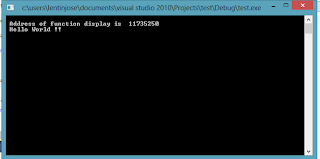
A short program showing the usage of a function pointer.
/* name : main.cpp Calling a function using function pointer */ #include <stdio.h> int main() { int display(); int (*func_ptr)(); ///Declare function Pointer func_ptr = display; /// Assign address */
Stay Connected
Subscribe to Technolabsz for the latest posts on robotics, OpenCV, Python and more.
