Subscribe:

Ads 468x60px

Showing posts with label Programming. Show all posts

Wednesday, August 29, 2026

C++ Template:Hello World

Hi guys

     C++ templates are very useful when we write a generic code, ie it will work with all data types. I am giving a sample code which shows the working of templates


Friday, August 24, 2026

Boost library on Ubuntu 12.04

Hi 

       I am giving some instruction for setting boost library on Ubuntu 12.04

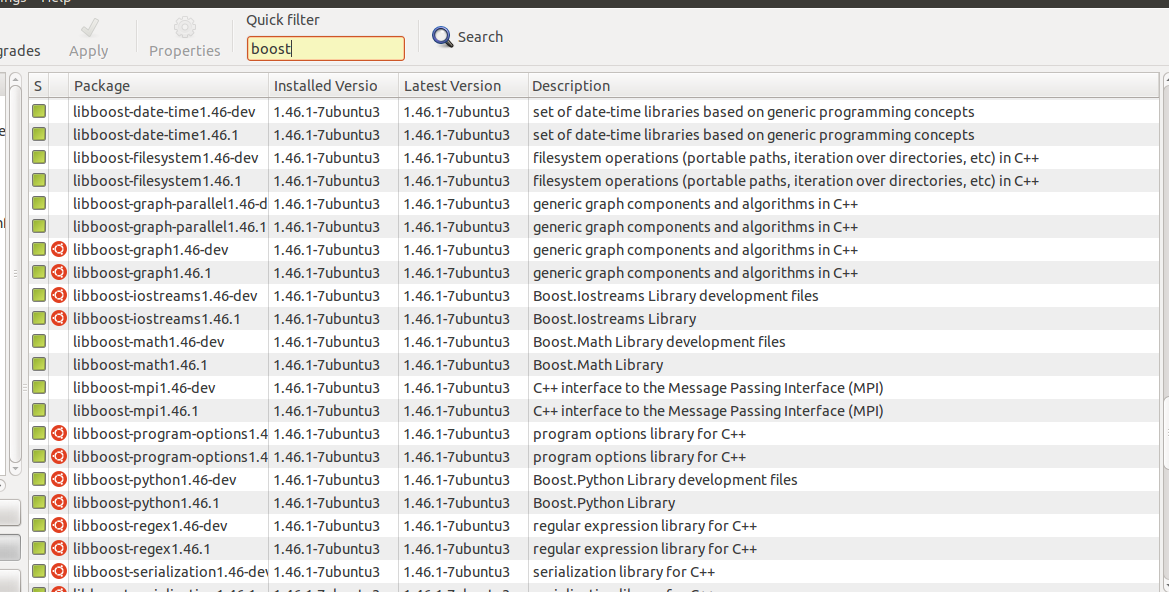
1)Install boost library using synaptic package manager


Thursday, April 26, 2026

How to acess Enviornmental Variable in CMAKE

Hi 

     This is a simple tip to show how we can acess the Enviornmental Variable in CMake .

For acessing ENV_variable you have to use 

Syntax: $ENV{variable}


How to acess Enviornmental Variable in Linux using cpp

Hi all
  
        Enviornmental variables can acess through c or cpp code in Linux .I am giving  function which can  retrieve Enviornmental Variables

getenv() :=Used to acess the Enviornmental Varible

Syntax :char* getenv(const char *name) ,where name is the Required env. variable 

Example code :

/* getenv example: getting path */
#include <stdio.h>
#include <stdlib.h>
int main ()
{
  char * pPath;
  pPath = getenv ("PATH");
  if (pPath!=NULL)
    printf ("The current path is: %s",pPath);
  return 0;
}


Sunday, September 25, 2026

PyQT Tutorial:Introduction

Hi all

        PyQT is an easier way of creating User Interface .It has a power of both  Python and Qt.

What is Python
  • A high level Programming language 
  • An Object Oriented Programming Language
  • A scripting Language


  • Qt is a cross platform application framework for GUI Development
  • Qt stands for Qroll Tech.It is founded by Qroll Tech  now owned by Nokia

http://en.wikipedia.org/wiki/Python_(programming_language)


How PyQT Works


      Qt is used to make the User Interface file (.ui) .After making the user interface file(ui) ,converting it into equivalent python code .The code is generated using pyuic compiler .After modification some modification ,we can run the python code file ,


Requirements in Linux(Ubuntu )
  • Qt 4 Designer or  Qt4 Creator
  • python-qt4 : Python bindings for Qt4
  • pyqt-tools : pyuic and pylupdate for Qt3


Example demo 


1)Hello World Program using PyQt


Thank You for watching...


Sunday, September 18, 2026

How to program Kinect Sensor using Python in Ubuntu Linux

Hi all

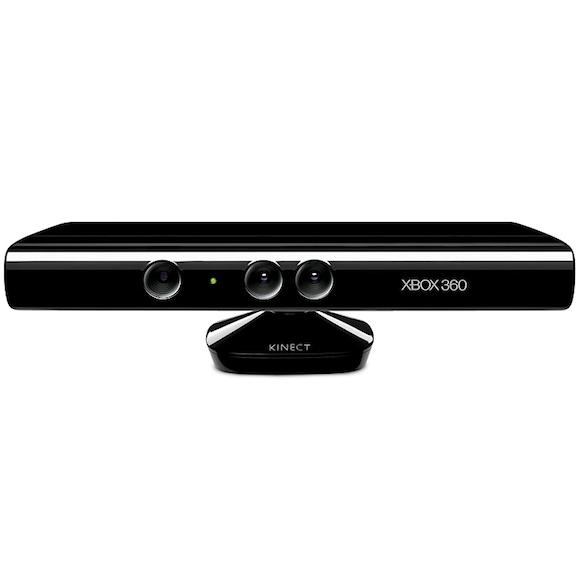
        This post is dedicated to Kinect Lovers .Kinect is a motion sensing input device by Microsoft for XBOX360 Game Console .The sensor consist of infrared camera and array of mic .We can use this sensor for Image processing  .I will show how to access data from Kinect Sensor .The platform is Linux and we can do programming in following Languages


  • Python 
  • C
  • C++
  • Actionscript
  • C#
  • Java
  • JavaScript
  • Common Lisp

I am choosing python ,because it is very easy to  program in python .

OpenKinect


OpenKinect is an open community of people interested in making use of the amazing Xbox Kinect hardware with our PCs and other devices. We are working on free, open source libraries that will enable the Kinect to be used with Windows, Linux, and Mac.
The OpenKinect community consists of over 2000 members contributing their time and code to the Project. Our members have joined this Project with the mission of creating the best possible suite of applications for the Kinect. OpenKinect is a true "open source" community!
Our primary focus is currently the libfreenect software. Code contributed to OpenKinect where possible is made available under an Apache20 or optional GPL2 license.
For more Information you can refer this Link


Installation of OpenKinect


1)Download Source code is available here: https://github.com/OpenKinect/libfreenect   
2)Extract the contents and take terminal in that path.
3)Type cmake .
4)make
5)sudo make install
6)Install python wrapper Its in the wrappers/python folder
https://github.com/OpenKinect/libfreenect/tree/master/wrappers/python/
7)Type sudo python setup.py install
8)Done


Friday, September 9, 2026

Python Programming Tutorial Part 3:Hello World

Hi all

             We can start programming using  Python .I am running python in Ubuntu 10.04 and using version python 2.6.5 . We can start with "hello world program" .You can either use interpreter or can write source code with extension .py .The standard way of programming is writing code .I am demonstrating the source code here.

Hello World using Python


Take a text editor and type this code and save it with some filename ,for eg test.py 


#!/usr/bin/env python
print "Hello World"
After saving the file ,Take terminal in the following file-path,type the following command to execute
python test.py
The Output will look like this
Hello World

Python Tutorial Part 2:How to install Python

Python is a cross-platform compatible language .We can install Python in Windows ,Linux and MacOSX .The download link for each platform is given Below


For Windows ,Linux and MacOSX


For  Windows ,we need to download the installer separately .For GNU/Linux such as Ubuntu,Debian and MacOSX have pre-installed Python .

Python can be  programmed in two ways ,It has an interpreter and also we can program  via writing source with extention ".py" .

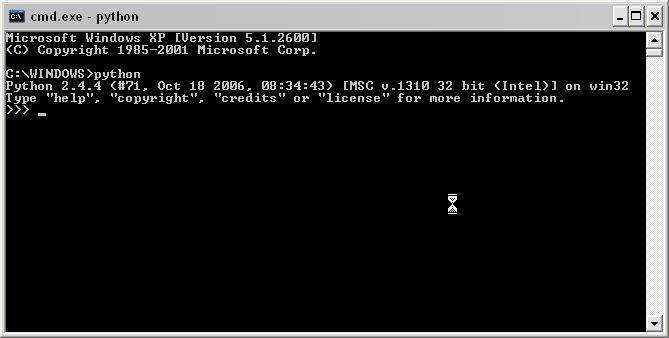
Python command Interpreter

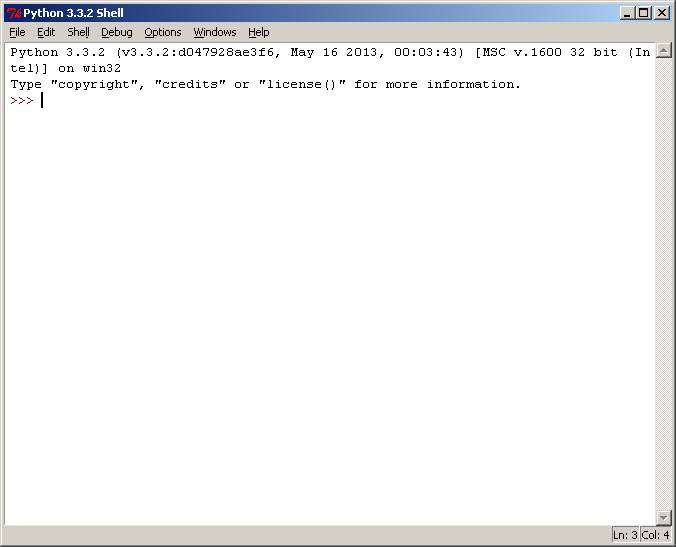
IDLE Python:GUI of Interpreter


Python Programming Tutorial Part 1 : What is Python??

Python is a general purpose high level language ,its an Object oriented Programming Language .It is very powerful and also simple  .Python  features are ,it is fully dynamic and has automatic memory management .The library of Python language is very huge . 
               Python is a scripting language like Perl,Ruby,Scheme etc..The main reasons why programmers selected python because of the following reason


Software quality
    For many, Python’s focus on readability, coherence, and software quality in gen-
    eral sets it apart from other tools in the scripting world. Python code is designed
    to be readable, and hence, reusable and maintainable—much more so than tra-
    ditional scripting languages. The uniformity of Python code makes it easy to
    understand, even if you did not write it. In addition, Python has deep support
    for more advanced software reuse mechanisms, such as object-oriented program-
    ming (OOP).
                                                                                      3
Developer productivity
    Python boosts developer productivity many times beyond compiled or statically
    typed languages such as C, C++, and Java. Python code is typically one-third to
    one-fifth the size of equivalent C++ or Java code. That means there is less to
    type, less to debug, and less to maintain after the fact. Python programs also run
    immediately, without the lengthy compile and link steps of some other tools,
    further boosting programmer speed.

Program portability
    Most Python programs run unchanged on all major computer platforms. Port-
    ing Python code between Linux and Windows, for example, is usually just a
    matter of copying a script’s code between machines. Moreover, Python offers
    multiple options for coding portable graphical user interfaces, database access
    programs, web-based systems, and more. Even operating system interfaces,
    including program launches and directory processing, are as portable in Python
    as they can possibly be.

Support libraries
    Python comes with a large collection of prebuilt and portable functionality,
    known as the standard library. This library supports an array of application-level
    programming tasks, from text pattern matching to network scripting. In addition,
    Python can be extended with both homegrown libraries and a vast collection of
    third-party application support software. Python’s third-party domain offers tools
    for web site construction, numeric programming, serial port access, game devel-
    opment, and much more. The NumPy extension, for instance, has been
    described as a free and more powerful equivalent to the Matlab numeric pro-
    gramming system.

Component integration
    Python scripts can easily communicate with other parts of an application, using
    a variety of integration mechanisms. Such integrations allow Python to be used
    as a product customization and extension tool. Today, Python code can invoke
    C and C++ libraries, can be called from C and C++ programs, can integrate with
    Java components, can communicate over frameworks such as COM and .NET,
    and can interact over networks with interfaces like SOAP, XML-RPC, and
    CORBA. It is not a standalone tool.

Enjoyment
    Because of Python’s ease of use and built-in toolset, it can make the act of
    programming more pleasure than chore. Although this may be an intangible
    benefit, its effect on productivity is an important asset.

From this reason ,the developer productivity is the important one .Python saves  a good amount of time for coding .

What  is the Downside of Python

 The main drawback of Python when compared with C and C++ is its execution speed . Python is not creating executable ,instead it create a intermediate code called byte code .This byte code is slower than the compiled C or C++ executables..

Who Uses Python Today??

1) Google makes extensive use of Python in its web search system, and employs  Python’s creator.

 2)The YouTube video sharing service is largely written in Python.

 3)The popular BitTorrent peer-to-peer file sharing system is a Python program.

 4)Intel, Cisco, Hewlett-Packard, Seagate, Qualcomm, and IBM use Python for  hardware testing.

 5)Industrial Light & Magic, Pixar, and others use Python in the production of  movie animation.

 6)JPMorgan Chase, UBS, Getco, and Citadel apply Python for financial market forecasting.

7)NASA, Los Alamos, Fermilab, JPL, and others use Python for scientific programming tasks.

 8)iRobot uses Python to develop commercial robotic vacuum cleaners.

 9)ESRI uses Python as an end-user customization tool for its popular GIS mapping  products.

 10)The NSA uses Python for cryptography and intelligence analysis.

 11)The IronPort email server product uses more than 1 million lines of Python code   to do its job.

 12)The One Laptop Per Child (OLPC) project builds its user interface and activity  model in Python.

What Can I do with Python??

  • System Programming
  • GUI
  • Internet Scripting
  • DataBase Programming
  • Numeric and Scientific Programming
  • Gaming,AI,XML,Robots

Sunday, August 28, 2026

How to make a touch screen user Interface using Python

Hi all

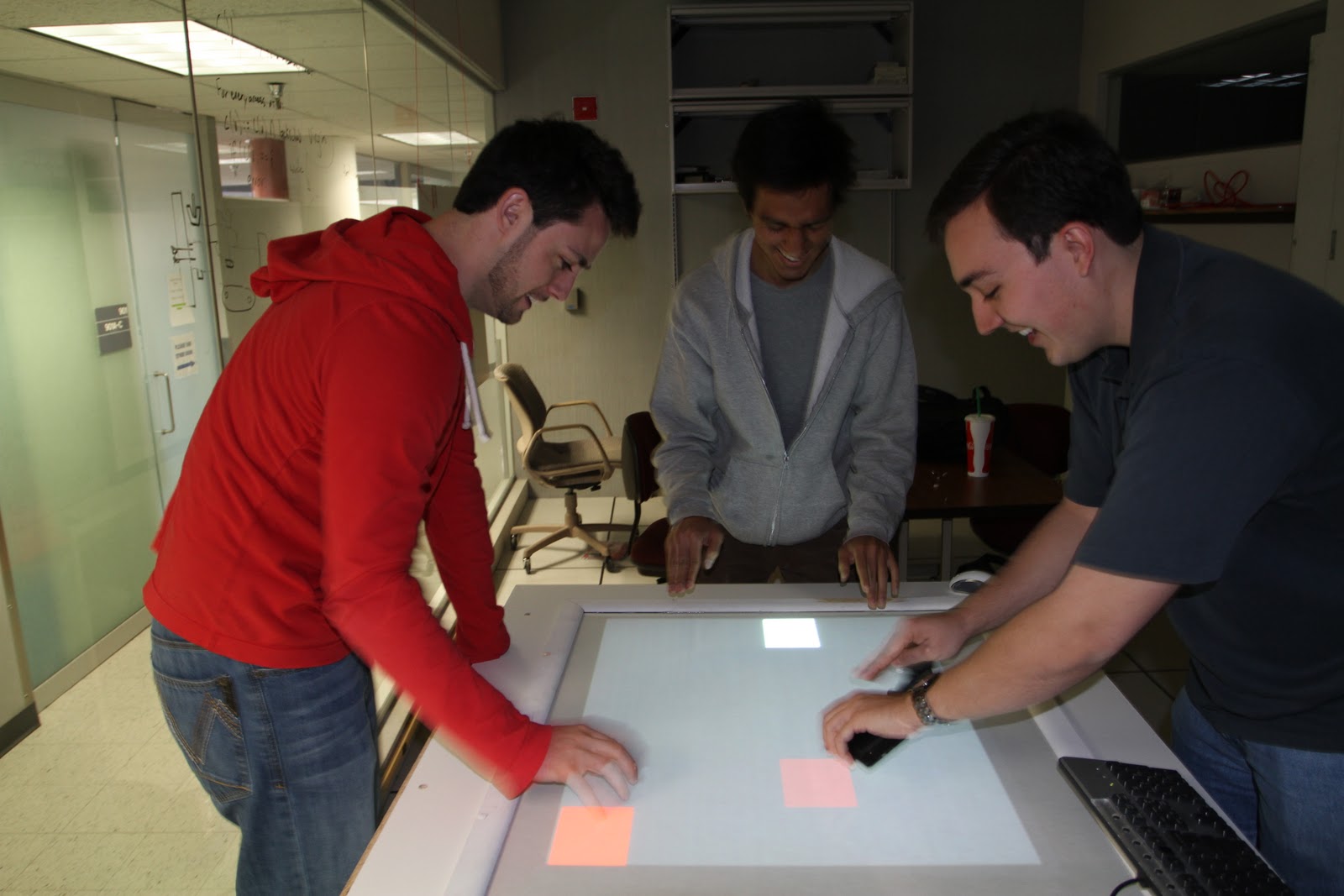
        I like to introduce some Touch screen user interface library that working on Python . The  speciality of these library is its easiness .We can make good touch interface within few minutes .The two popular libraries written in python are


  • PyMT
  • Kivy


PyMT


PyMT is an open source library for developing multi-touch applications. It is completely cross platform (Linux/OSX/Win) and released under the terms of the GNU LGPL.

         It comes with native support for many multi-touch input devices, a growing library of multi-touch aware widgets, hardware accelerated OpenGL drawing, and an architecture that is designed to let you focus on building custom and highly interactive applications as quickly and easily as possible.

         Since PyMT is a pure Python library, you can take advantage of its highly dynamic nature and use any of the thousands of high quality and open source python libraries out there.

For More Details Check this link


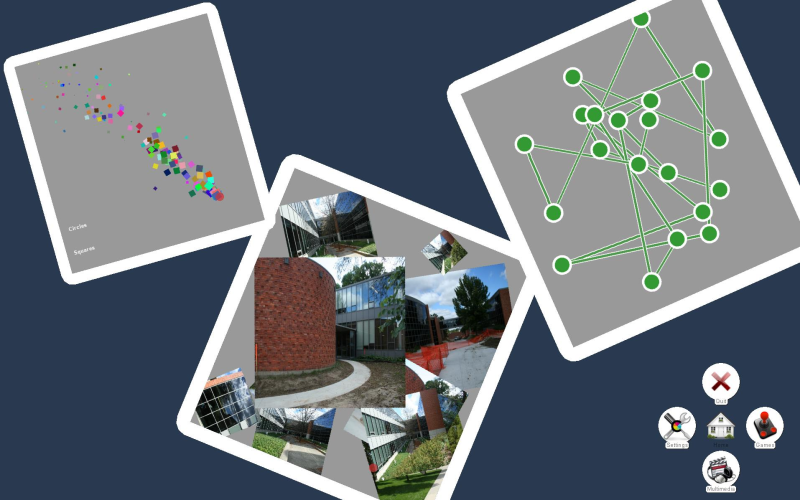
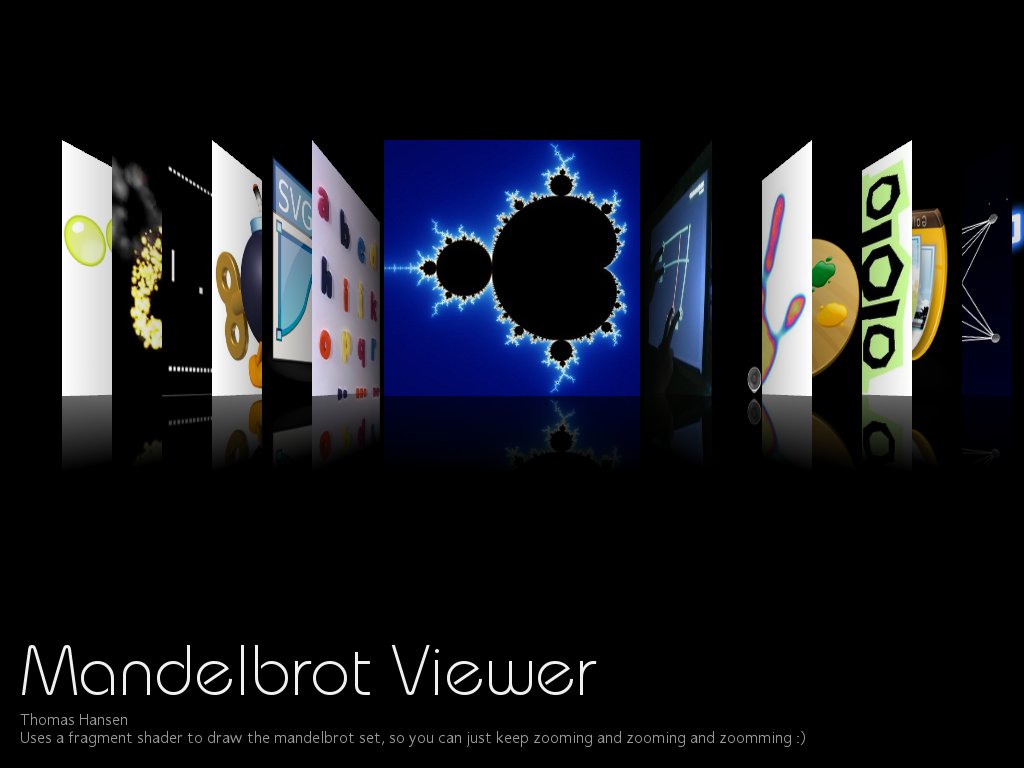
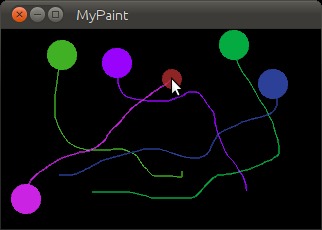
Screenshots

Touch Paint


Applications


Kivy

        Open source library for rapid development of applications that make use of innovative user interfaces, such as multi-touch apps.Its Kivy is running on Linux, Windows, MacOSX and Android. You can run the same code on all supported platforms.

     We can use natively most inputs protocols and devices like WM_Touch, WM_Pen, Mac OS X Trackpad and Magic Mouse, Mtdev, Linux Kernel HID, TUIO. A multi-touch mouse simulator is included. 

For more Details check this link


Try it...


Monday, August 15, 2026

Kinect SDK Ready.....

Hi all

About Kinect SDK from Microsoft website


The Kinect for Windows SDK beta is a programming toolkit for application developers. It enables the academic and enthusiast communities easy access to the capabilities offered by the Microsoft Kinect device connected to computers running the Windows 7 operating system.

       The Kinect for Windows SDK beta includes drivers, rich APIs for raw sensor streams and human motion tracking, installation documents, and resource materials. It provides Kinect capabilities to developers who build applications with C++, C#, or Visual Basic by using Microsoft Visual Studio 2010.
This SDK includes the following features:


Raw sensor streams
Access to raw data streams from the depth sensor, color camera sensor, and four-element microphone array enables developers to build upon the low-level streams that are generated by the Kinect sensor.
Skeletal tracking
The capability to track the skeleton image of one or two people moving within the Kinect field of view make it easy to create gesture-driven applications.
Advanced audio capabilities
Audio processing capabilities include sophisticated acoustic noise suppression and echo cancellation, beam formation to identify the current sound source, and integration with the Windows speech recognition API.
Sample code and documentation
The SDK includes more than 100 pages of technical documentation. In addition to built-in help files, the documentation includes detailed walkthroughs for most samples provided with the SDK.
Easy installation
The SDK installs quickly, requires no complex configuration, and the complete installer size is less than 100 MB. Developers can get up and running in just a few minutes with a standard standalone Kinect sensor unit (widely available at retail outlets).
This SDK is designed for non-commercial purposes only; a commercial version is expected to be available at a later date.

Download Kinect SDK from the following link


Wednesday, August 10, 2026

How to learn Java and .NET quickly...??

Hi all

              Java and .NET are the most useful programming languages in IT industries . How can we learn this two languages very quickly .You need not go to to  programming courses,you can learn it from home itself ,and this method is very simple .The things you need is a good broadband connection  :) .The learning is done using Youtube .

I am sharing some good playlist links for learning java and .Net...

1)For Java

http://www.youtube.com/watch?v=Hl-zzrqQoSE&feature=BFa&list=PLAFF55E55870752DA&index=2

2)For .NET

http://www.youtube.com/watch?v=aJoeeHT8zdA&feature=BFa&list=PL37FF167549C26150&index=1

You can also download the entire playlist .There is a software for downloading ..This is the link for downloading the software..

http://www.dvdvideosoft.com/products/dvd/Free-YouTube-Download.htm


Enjoy learning.....

Monday, August 8, 2026

Artificial Intelligence using Python

Hi all

              I like to share some methods to implement  Artificial Intelligence .This is the method i used in my project called  "Social Robot" . I used Python Programming language for implementing Artificial Intelligence . I will list out the steps ..


                       PyAIML is the module for handling AI, AIML stands for Artificial Intelligence Markup Language .
1)Download and Install Python 2.6 or 2.5

2)Download a python module called PyAIML . The link for download is given below
                           
                                                http://pyaiml.sourceforge.net/


3)We can install the python module by entering a command in terminal .
    sudo python setup.py install


Note that the terminal path is the path of module folder

4)Now the PyAIML installation is over .

5)Now we need some .aiml files for loading ..I used alice chatter bot files, which can be downloaded from the following link

                                 http://www.alicebot.org/downloads/sets.html

6)After downloading the aiml files, we can connect it into python using following tutorial link given below

                                       http://pyaiml.sourceforge.net/

7)You are Done

It can be used for some interesting projects like chatter robot ...