Here is a tutorial for running face detection on ROS using pi_face tracker and gencam_cu
Pi_face tracker will work on Kinect and uvc_cam based webcams .Some webcams and laptop integrated cams have some issues while using uvc_cam .There is another package on ROS site called gencam_cu for webcams .Its working on OpenCV library .
Here is the link for gencam_cu
Pi_face tracker package is available in following link
First you need to download and install gencam_cu first .
Before installing pi_face_tracker we need to change some parameters in pi_face_tracker launch file .
The launch file is called face_tracker_uvc_cam.launch
Replace the line
<remap from="input_rgb_image" to="/camera/image_raw" /> into
<remap from="input_rgb_image" to="/image_raw" />
It looks like this
<launch>
<arg name="auto_face_tracking" default="True" />
<node pkg="pi_face_tracker" name="pi_face_tracker" type="face_tracker.py" out$
<remap from="input_rgb_image" to="/image_raw" />
<remap from="output_image" to="/pi_face_tracker/image" />
It is a patch ,because gencam_cu publishs images on /image_raw topic ,but uvc_cam publishes on /camera/image_raw
Install pi_face_tracker
eg_cmd : rosmake --rosdep-install
Run roscore
Run gencam_cu by following command
rosrun gencam_cu gencam_cu
Launch pi_face_tracker
roslaunch pi_face_tracker face_tracker_uvc_cam.launch
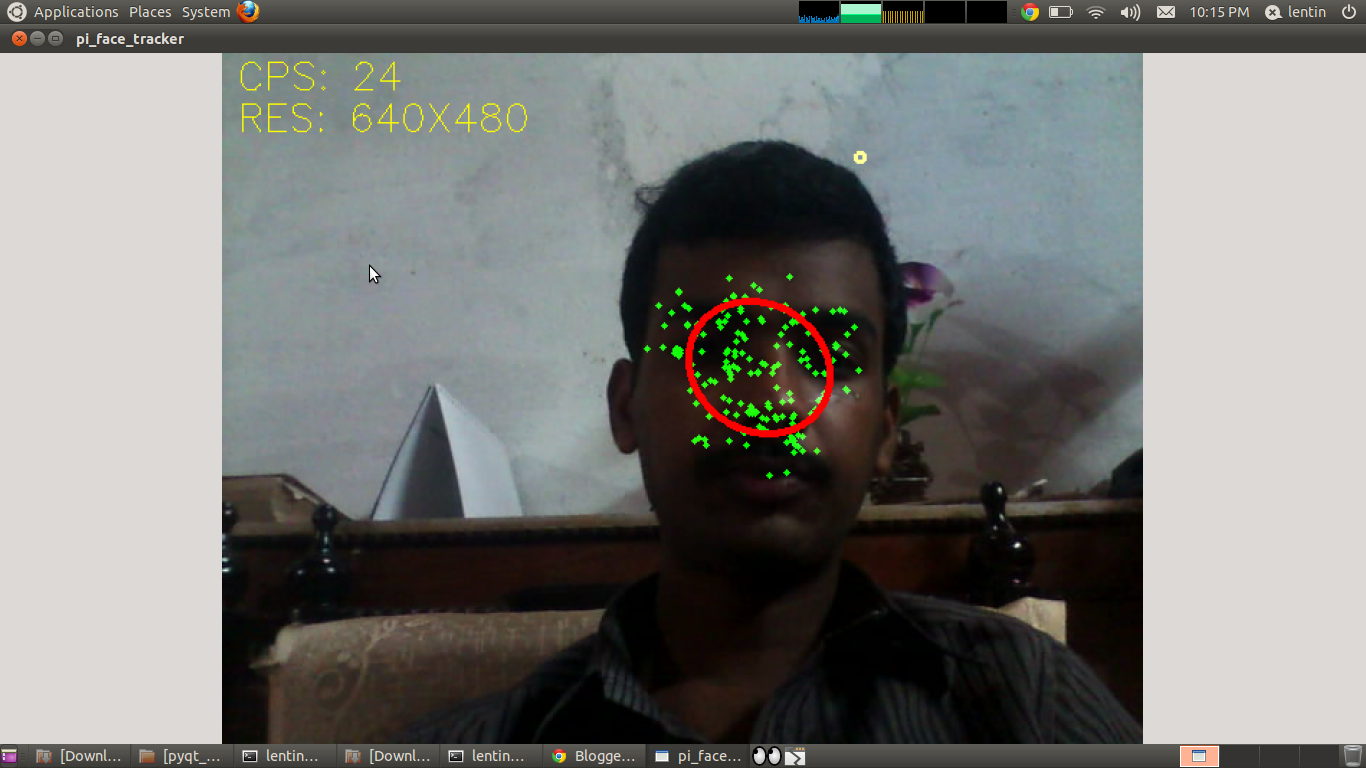
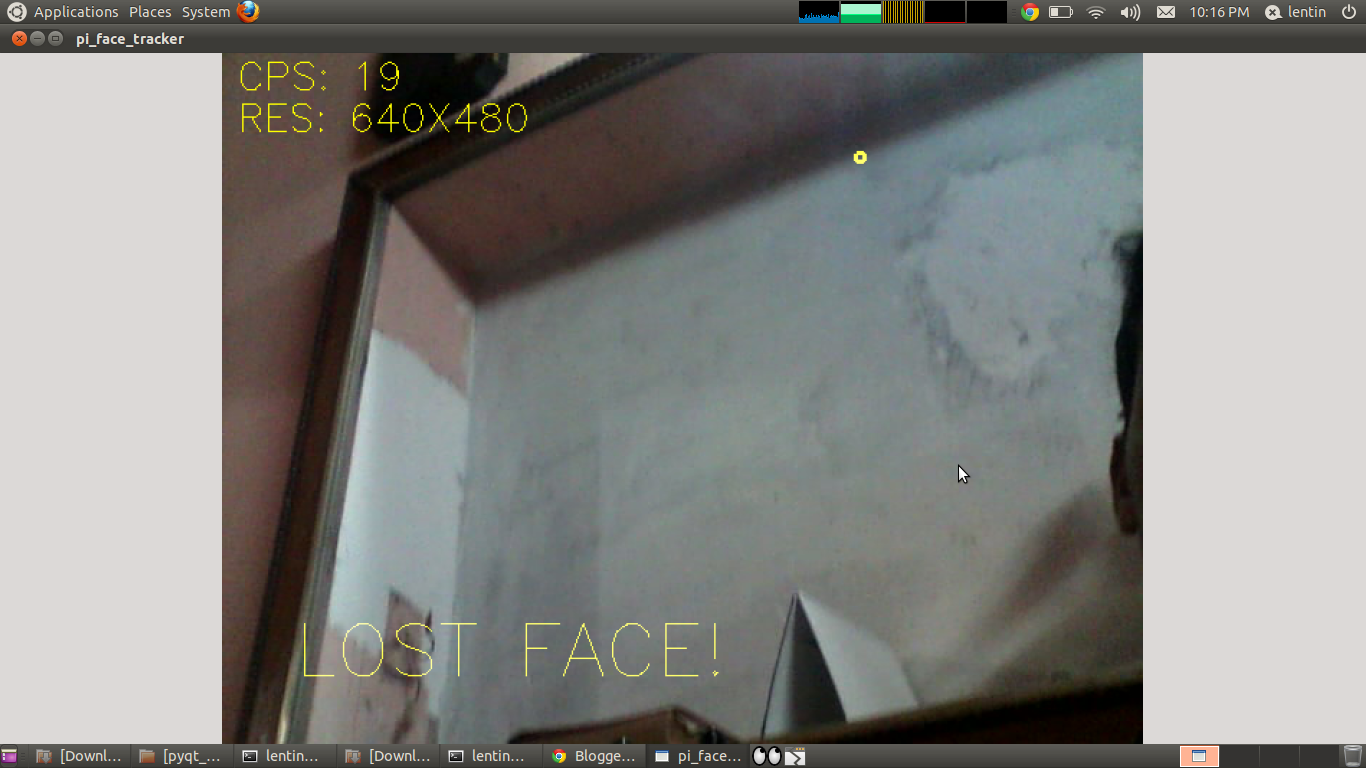
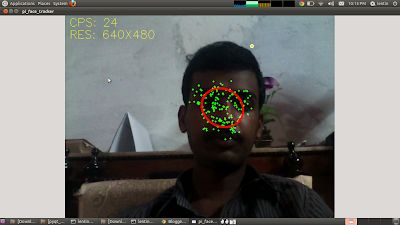
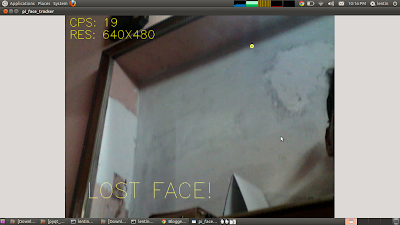
Output Image