Subscribe:

Ads 468x60px

Showing posts with label ROS. Show all posts

Thursday, September 6, 2026

ROS and Kinect

Hi Guys

     The following video shows how we can interface kinect and ROS

Video
--------


Tuesday, September 4, 2026

Turtlebot Simulation using ROS and Gazebo

Hi 

     I am giving the instruction to simulate and control turtlebot using ROS and Gazebo

1)Install ROS and gazebo packages of Turtlebot from synaptic package manager

Video showing installation of ROS


Thursday, August 30, 2026

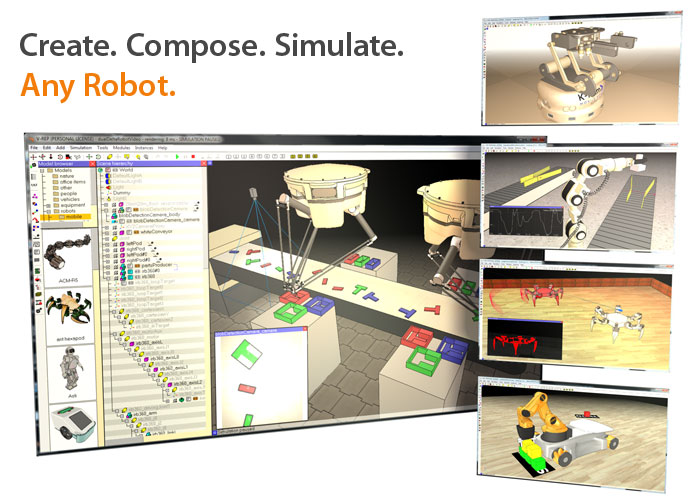
V-REP : An advanced robot simulator

V-REP is the Swiss army knife among robot simulators: you won't find a simulator with more functions, features, or more elaborate APIs.

The robot simulator V-REP, with integrated development environment, is based on a distributed control architecture: each object/model can be individually controlled via an embedded script, a plugin, a ROS node, a remote API client, or a custom solution. This makes V-REP very versatile and ideal for multi-robot applications. Controllers can be written in C/C++, Python, Java, Lua, Matlab or Urbi.

V-REP is used for fast algorithm development, factory automation simulations, fast prototyping and verification, robotics related education, remote monitoring, safety double-checking, etc.


Sunday, August 19, 2026

ROS Video Tutorials Series 1

Hey guys

     I made some video tutorials about Robotic Operating System. I am giving the videos below


ROS Introduction

ROS Installation
                                   

Saturday, August 11, 2026

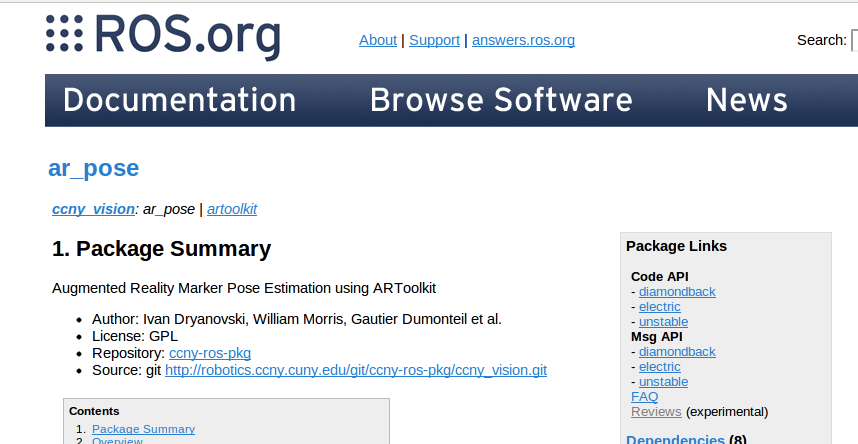
ARToolkit for ROS

I am giving the procedures for setting ARToolkit on ROS

1)Download ar_pose


git clone http://robotics.ccny.cuny.edu/git/ccny-ros-pkg/ccny_vision.git


Sunday, July 8, 2026

ROS Video Tutorials

Hi 

I like to share some video tutorials of  Robotic Operating System

How to install ROS
--------------------


ROS Nodes
--------------


ROS Module for speech recognition and localisation

Hark module
-----------------


Video from youtube
-------------------


Opensource 7DOF Robotic arm working in ROS

CLAM ARM


Clam arm link
-----------------


Wednesday, May 30, 2026

ROSCon 2012 Videos released

Hi all 

 This post will be a useful for Robotic-Operating-System  developers. I am sharing the videos of latest ROSCon 2012.It covers lot of topics.Watch it


                                                 Lightning talk at ROSCon 2012


                                             ROS and Kinect

ROS on Windows

Saturday, March 31, 2026

ROS on Android Phone

Finaly done with ROS(Robotic Operating System) on android 

It was my 1 day work for getting an output from android to ROS Server .I will explain the procedure that i have done


Prerequisites:

1)android-sdk for linux -Refer the following site for manually download android component .Othervice you have to setup eclipse for doing it


2)platform-tools-This is the most required thing in this installation operation


Wednesday, March 28, 2026

Face recognition using ROS Electric

Recently i  tested a ROS  stack for  face_recognition .Here is the details

The link of the stack is given below

This stack is based on the following website ideas


The building procedures are given in the stack link

I used gencam_cu for camera driver instead of gscam

Procedure

1)Download the stack ,the stack name is procrob_functional

2)Add procrob_functional stack path to ROS_PACKAGE_PATH

3)Install stack  $rosmake --rosdep-install

4)Start gencam_cu by command  and set /camera/image_raw into /image_raw

$roscore
$rosrun gencam_cu gencam_cu /image_raw:=/camera/image_raw

5)roscd face_recognition
6)rosrun face_recognition Fserver
7)rosrun  face_recognition Fclient
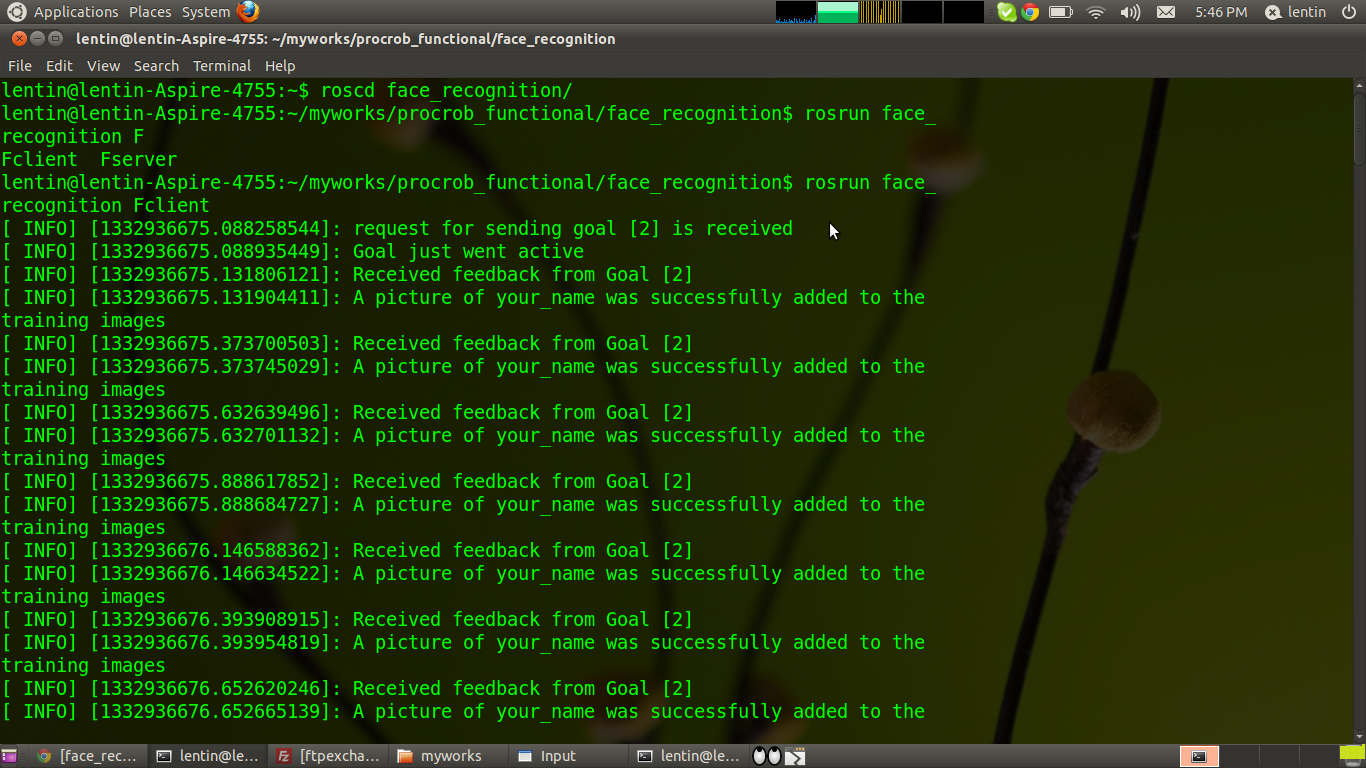
8)rostopic pub -1 /fr_order face_recognition/FRClientGoal -- 2 "yourname"  .This is for getting images for training

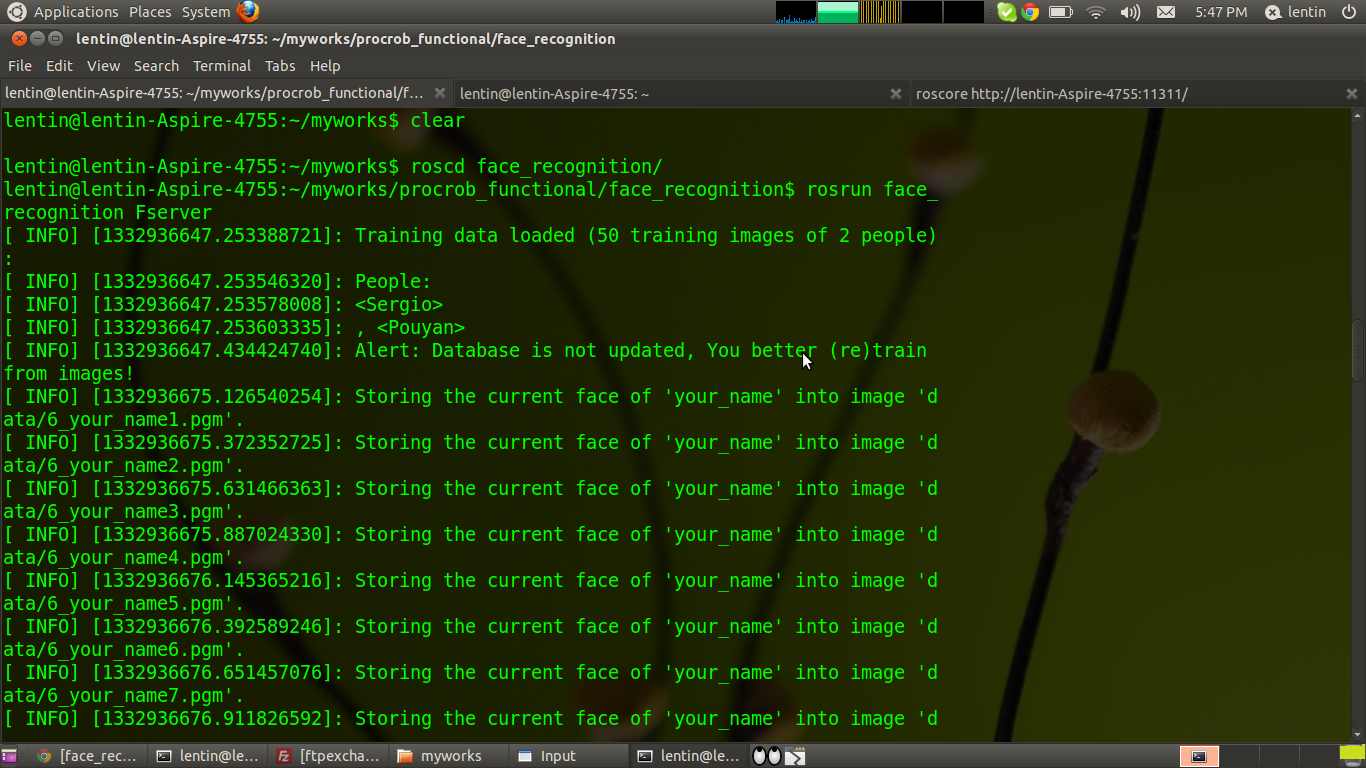
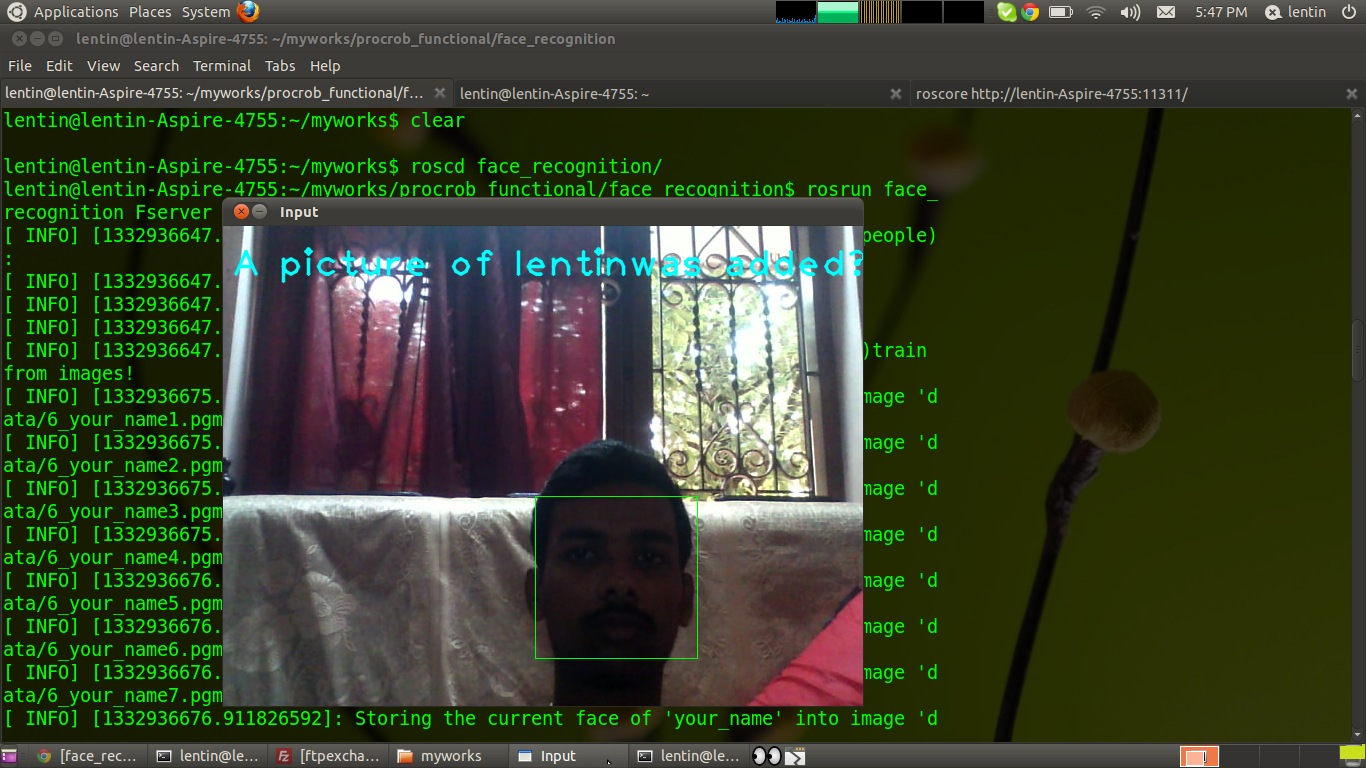
Following are the output we get after this commands


Sunday, September 25, 2026

Arduino and ROS

Hi all

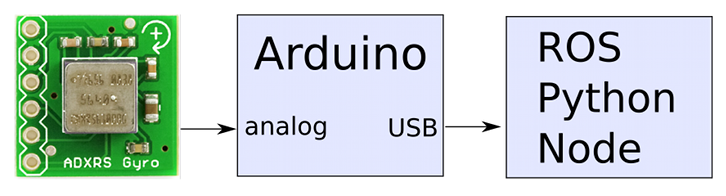
      Here i interfacing ROS Electric with arduino .


ROS Electric Installation procedure in Ubuntu

http://www.ros.org/wiki/electric/Installation/Ubuntu


After installing ROS Electric ,follow this procedure...
     
1)For Working with Arduino ,we have to load some programs  to Arduino .There is a library in ROS for arduino .After installation of ROS Electric you have to copy ros_lib from the ros folder to Arduino library folder.After that you have to load one sample program from the ros_lib.Here i upload a "hello world" program .


2)After uploading we have to load ROS commands
Thank you for watching......
Update:
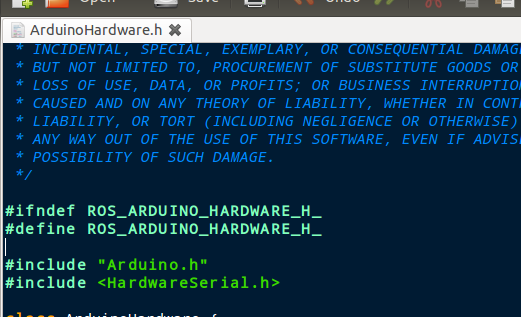
For new arduino version > 1.0 ,we must edit ArduinoHardware.h inside roslib. Replace Wprogram.h into Arduino.h