Subscribe:

Ads 468x60px

Sunday, March 12, 2026

New ROS book for Robotics Projects | Introduction to Robot Operating System | Programming robots using ROS | ROS Tutorials

Hi Everyone

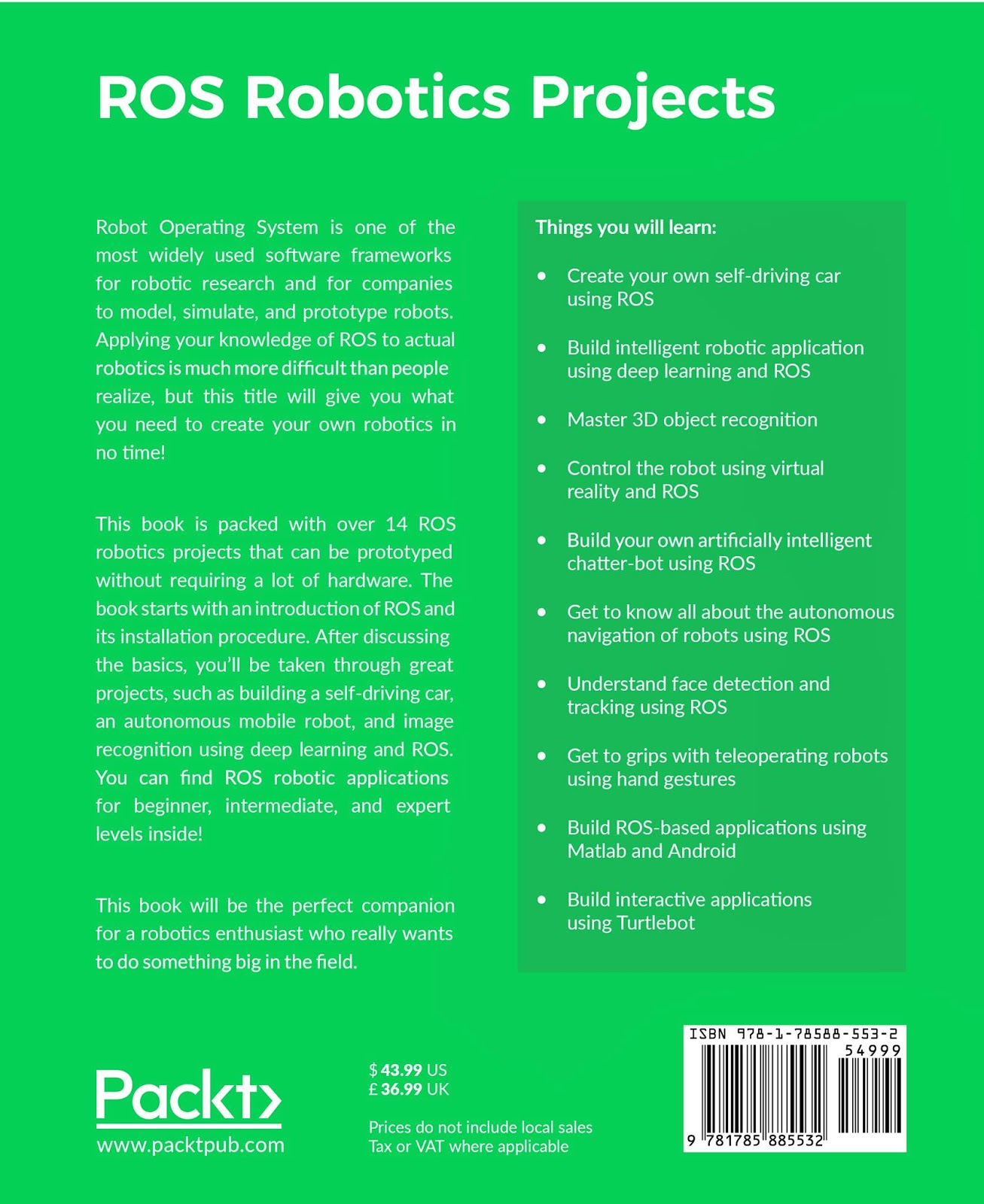
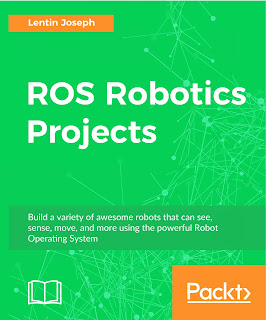
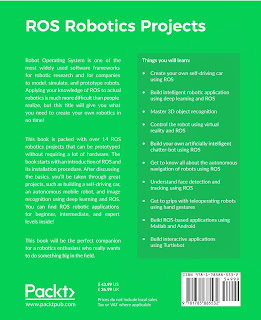
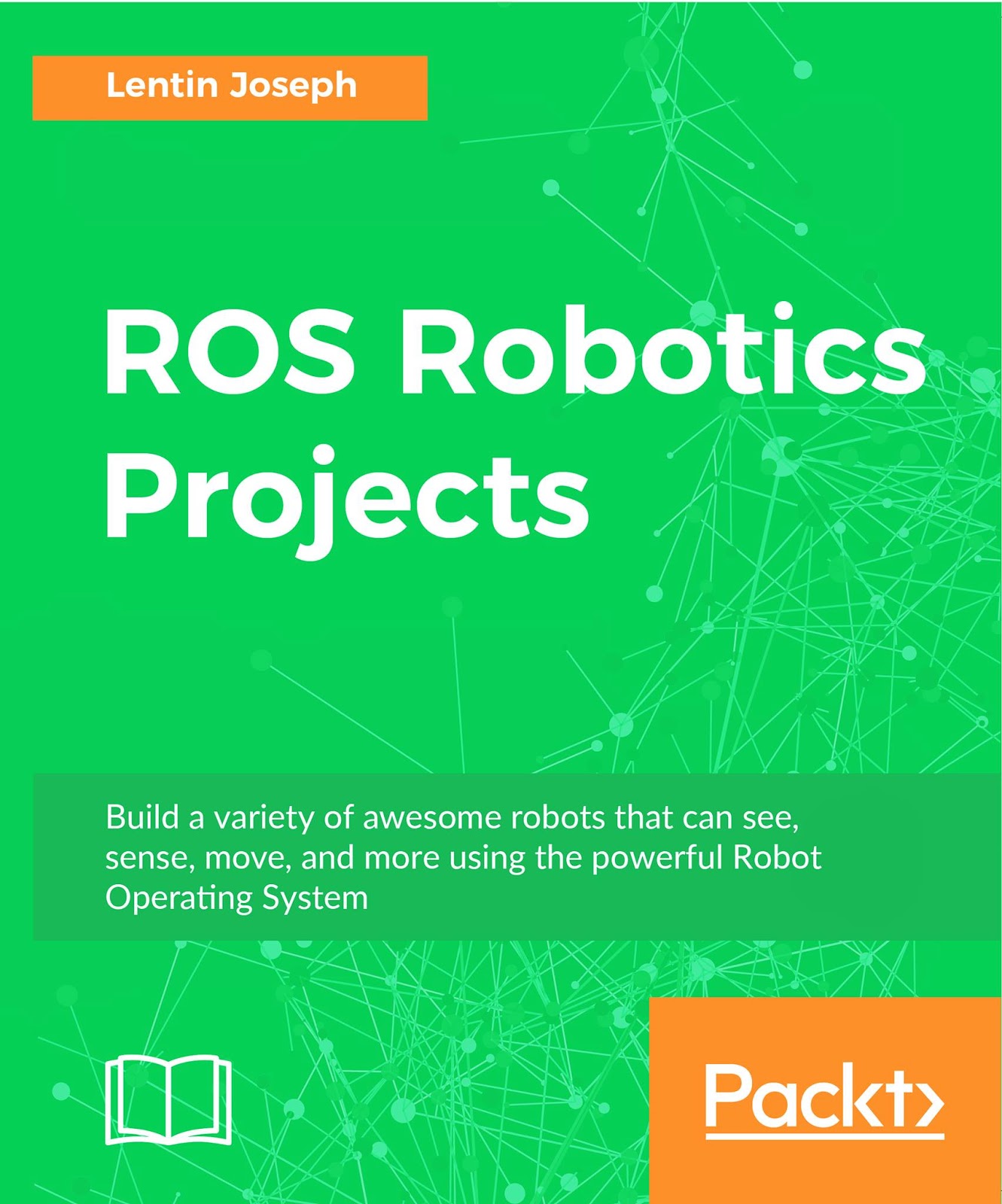
I would like to announce my 3rd book, which is about Robotics Projects using Robot Operating System (ROS) which can be pre-order from following links


Here are the cover page and list of main projects included in the book


Here is a demo video of self-driving car project which is included in the book


Sunday, July 3, 2026

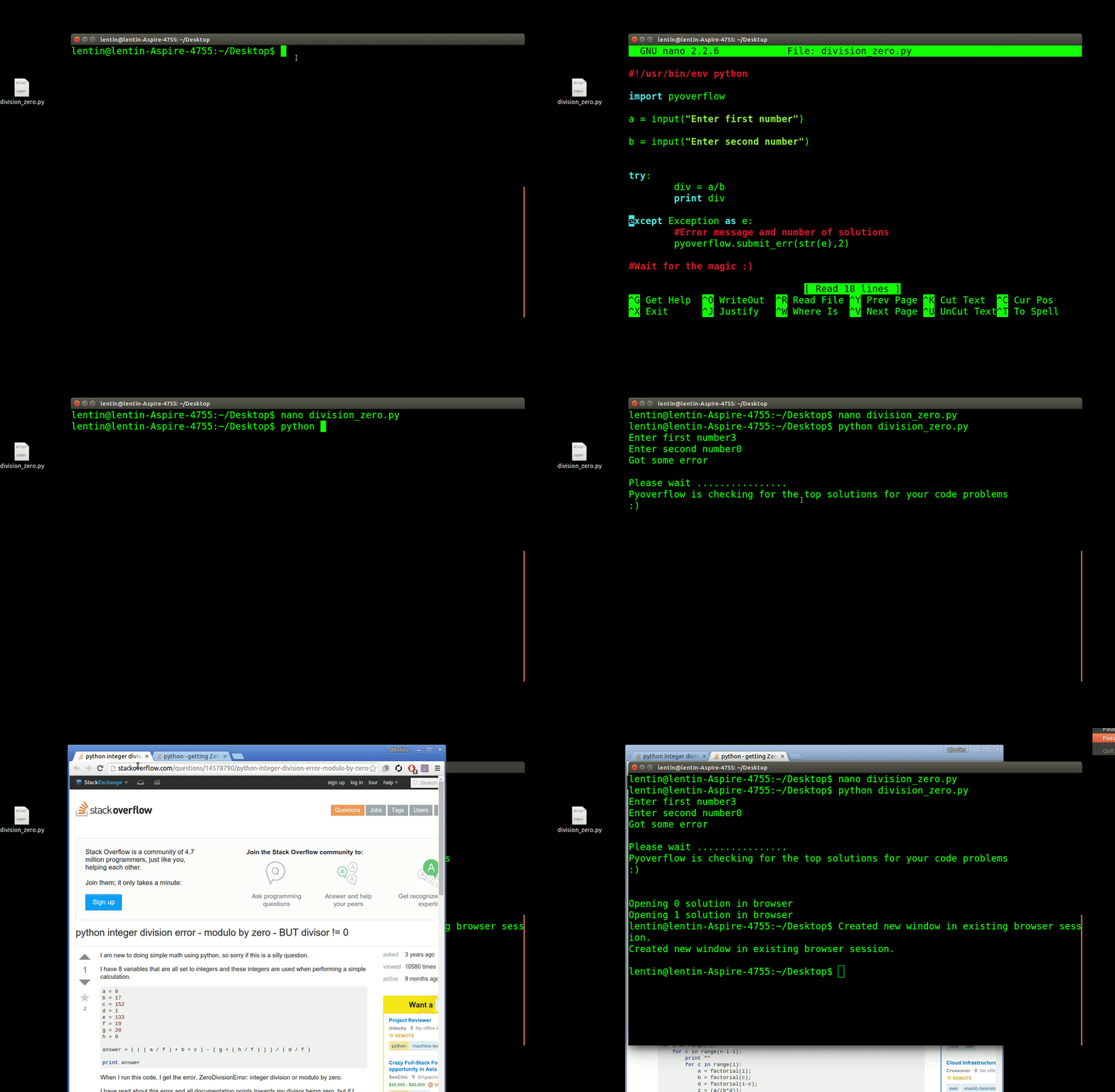
PyOverFlow : Automated solution searching for run time errors !!

Hi all

Here is one python package that i made for automating "stackoverflow-ing" when our code encounter run time errors. Using this package, we can retrieve top result from google and displayed on the web browser whenever an error comes.

We can also mention number of solutions we want, if any exceptions occurred. When an exception occurred, it will automatically search for the solution to fix the exception !!


Installing pyoverflow

The source code of the package is on the following link


  1. Extract the source code, and open a terminal in the extracted folder
  2. Use the following command to install this package, Note: Make sure that you have proper internet connection
  3. $ sudo python setup.py install
  4. Try the example code which is given below

Code 1


Thursday, December 31, 2025

Published my Second Book : "Mastering ROS for Robotics Programming"

Hi all

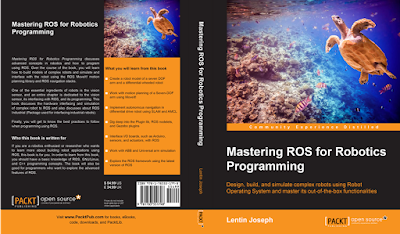
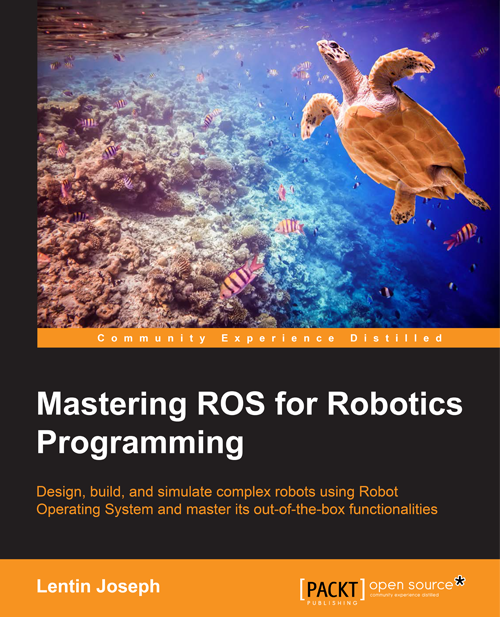
I am very glad to announce that my second book released and it is for teaching Robot Operating System. The title of the book "Mastering ROS for Robotics Programming". This is an advance book in ROS available on the market now.

The cover page of the book is given below

Mastering ROS for Robotics Programming


Buy book from Amazon Global : http://amzn.com/B0198DXFEW

Buy book from Amazon UK : http://www.amazon.co.uk/dp/1783551798

Buy book from Amazon India : http://www.amazon.in/dp/B0198DXFEW

Book Website : http://mastering-ros.com


Saturday, May 30, 2026

Published a Book : "Learning Robotics using Python"

Hi all
     I couldn't blog in technolabz for one and half year, because i was busy with creating my Start up in Robotics called Qbotics Labs and writing my new book called "Learning Robotics using Python". 
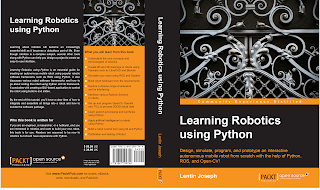
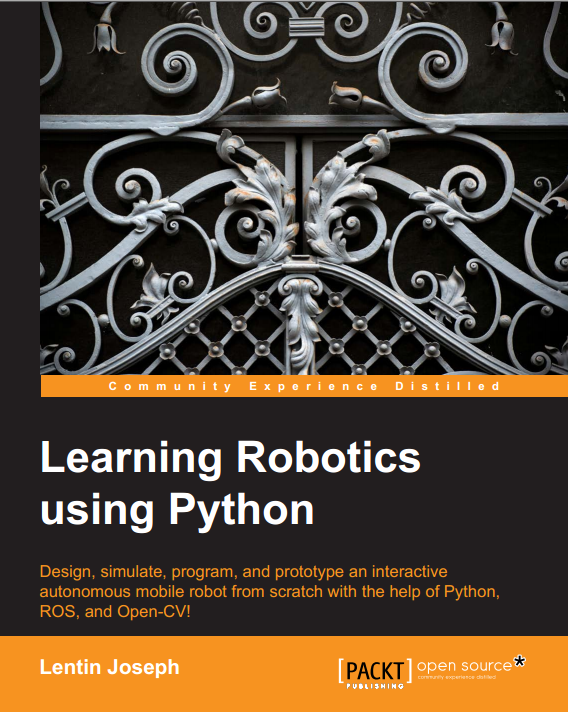
The cover page of the book is given below 

Learning Robotics using Python


About This Book

Design, simulate, build and program an interactive autonomous mobile robot

Program Robot Operating System using Python

Get a grip on the hands-on guide to robotics for learning various robotics concepts and build an advanced robot from scratch


Who This Book Is For

If you are an engineer, a researcher, or a hobbyist, and you are interested in robotics and want to build your own robot, this book is for you. Readers are assumed to be new to robotics but should have experience with Python.


What You Will Learn

  • Understand the core concepts and terminologies of robotics
  • Create 2D and 3D drawings of robots using freeware such as LibreCAD and Blender
  • Simulate your robot using ROS and Gazebo
  • Build robot hardware from the requirements
  • Explore a diverse range of actuators and its interfacing
  • Interface various robotic sensors to robots
  • Set up and program OpenCV, OpenNI, and PCL to process 2D/3D visual data
  • Learn speech processing and synthesis using Python
  • Apply artificial intelligence to robots using Python
  • Build a robot control GUI using Qt and Python
  • Calibration and testing of robot

In Detail

Learning about robotics will become an increasingly essential skill as it becomes a ubiquitous part of life. Even though robotics is a complex subject, several other tools along with Python can help you design a project to create an easy-to-use interface.

Learning Robotics Using Python is an essential guide for creating an autonomous mobile robot using popular robotic software frameworks such as ROS using Python. It also discusses various robot software frameworks and how to go about coding the robot using Python and its framework. It concludes with creating a GUI-based application to control the robot using buttons and slides.

By the end of this tutorial, you'll have a clear idea of how to integrate and assemble all things into a robot and how to bundle the software package.


Authors

Lentin Joseph

Lentin Joseph is an electronics engineer, robotics enthusiast, machine vision expert, embedded programmer, and the founder and CEO of Qbotics Labs (http://www.qboticslabs.com) in India. He got his bachelor's degree in electronics and communication engineering at the Federal Institute of Science and Technology (FISAT), Kerala. In his final year engineering project, he created a social robot, which can interact with people. The project was a huge success and got mentioned in visual and print media. The main feature of this robot was that it could communicate with people and reply intelligently. It also has some image-processing capabilities, such as face, motion, and color detection. The entire project was implemented using the Python programming language. His interest in robotics, image processing, and Python began this project.

After graduation, he worked at a start-up company based on robotics and image processing for 3 years. In the meantime, he learned famous robotic software platforms—such as Robot Operating system (ROS), V-REP, and Actin (a robotic simulation tool)—and image processing libraries, such as OpenCV, OpenNI, and PCL. He also knows about robot 3D designing, embedded programming on Arduino, and Stellaris Launchpad.

After 3 years of work experience, he started a new company called Qbotics Labs, which is mainly focused on research to build great products in domains such as wearable technology, robotics, machine vision, green technology, and online education. He maintains a personal website (http://www.lentinjoseph.com) and a technology blog called technolabsz (http://www.technolabsz.com). He publishes his works on his tech blog. He was a speaker at PyCon2013 India, and he spoke on the topic of learning robotics using Python.

Tuesday, September 3, 2026

Talk at PyCon2013 India : Slides and Codes

Hi all

     I have talked at PyCon2013 India about application of python in Robotics. Given below the slides and Sample Codes. I have demonstrated a ball tracking robot working on ROS and OpenCV. 


Wednesday, July 10, 2026

C++ Tips : Pointer to a Function

Program showing the usage of Function Pointer

 /*  
 name : main.cpp  
 Calling a function using function pointer  
 */  
 #include <stdio.h>  
 int main()  
 {  
      int display();  
      int (*func_ptr)();        ///Declare function Pointer  
      func_ptr = display;        /// Assign address of function  
      printf("\n Address of function display is %u", func_ptr);      ///Printing Address of function  
      (*func_ptr)();          /// Invokes the function display  
      getchar();            ///Get char for seeing the output  
      return 0;  
 }  
 int display()  
 {  
      puts("\n Hello World !!\n");  
      return 1;  
 }  


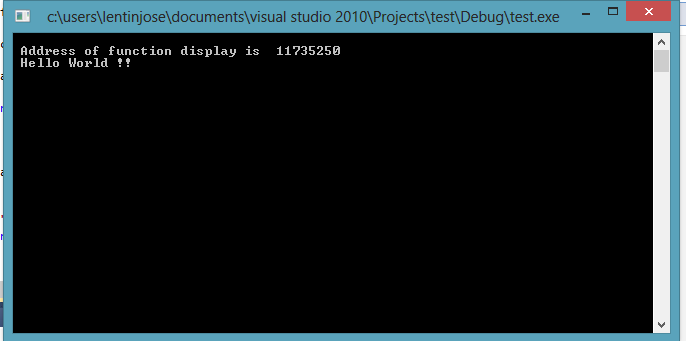
Output
-------------


Monday, July 8, 2026

Configuring XAMPP and Setting Wordpress , Drupal ,Joomla and sNews

Hi all

 I am giving the procedure for configuring XAMPP

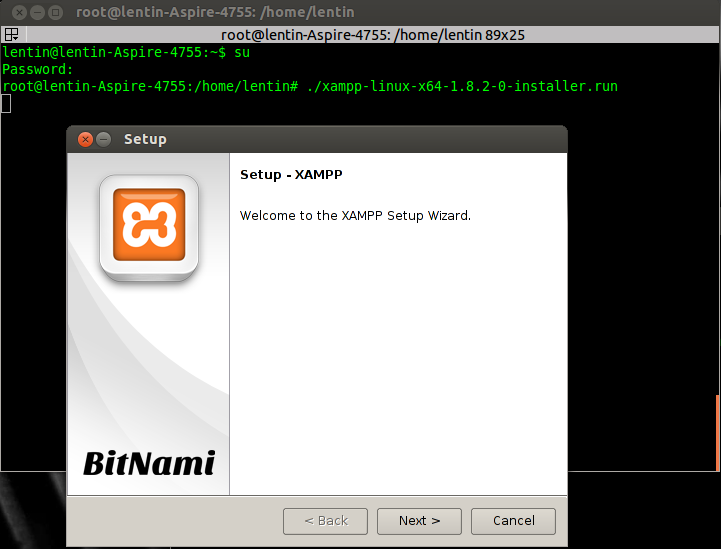
1. I followed the procedure from the following link


                      or


Sunday, June 30, 2026

How to solve "openni_tracker [ERROR]: Find user generator failed" on ROS

Hi all

  When you install OpenNI library on ROS Fuerte/Groovy, you might be get the following error. I am using Ubuntu 12.04 64 bit.

openni_tracker [ERROR]: Find user generator failed

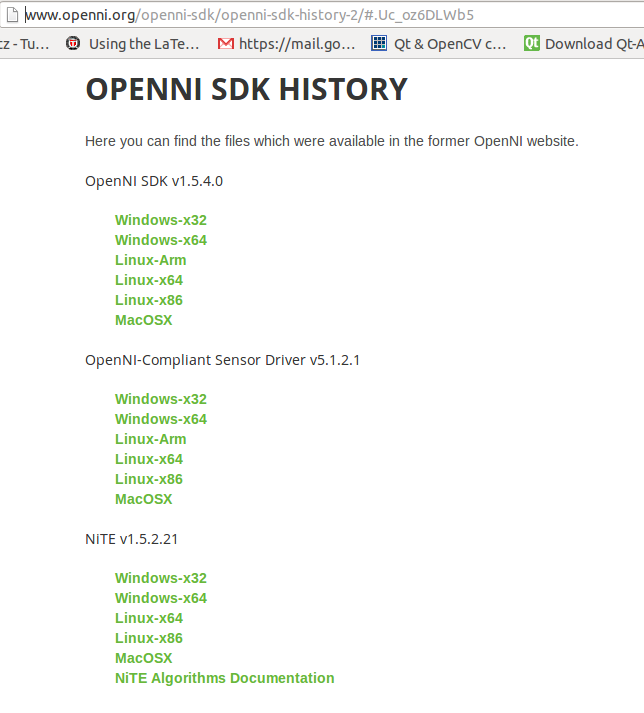
Here are some solution in which we can solve this issue

Solution 1:


Sunday, May 26, 2026

Eye blink detection using OpenCV in Ubuntu

Hi all

This is a simple project that i did recently. The purpose of this project is to detect the blinking of eyes. The application of this project is to detect whether the driver inside the car is sleeping or not.

Using this program, we can detect the eyes of the user and can track their eyes.  Using template matching technique, we will check whether the eyes are closed or not .. If the eyes are closed, it will print a message in terminal also execute a python script to pass control the event into external devices such as arduino or anyother boards

 Opencv code :blink_detection.cpp


Code Download


Saturday, March 16, 2026

MPI Send and Recieve | MPI Tutorials

Hi all

 I  wrote  a code which can sent 10 numbers from first process to another  process, then the other process will  resent the same data to first process.

It is an example code for understanding MPI Send and MPI Recieve functions


Sunday, March 3, 2026

How to easily install OpenCV on Raspberry Pi

Hi all

      Building opencv source code in Raspberry Pi will take about 6-7 hours.
Here is the link to install opencv from source

Easy method to install opencv

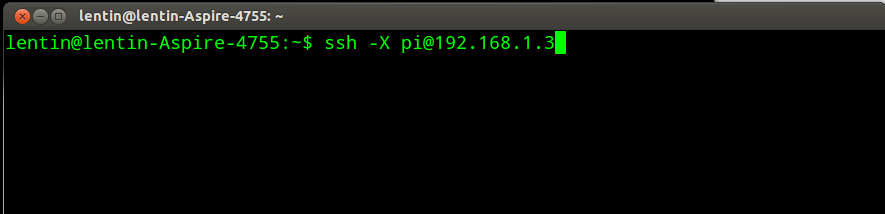
1)Connect to Raspberry Pi using ssh. Fig shows an example of connecting Rpi using ssh


Saturday, March 2, 2026

How to install Raspbian on Raspberry Pi

Hi all

    Recently i purchased a raspberry pi from Kits and spares. I am giving the link here
    http://shopping.kitsnspares.com/bon1/productdescription.asp?id=482662

    Installation instruction.

1)Select a memory card with  4 GB. Select 8GB or 16GB or  32GB will be good if you plan to do some heavy work on Raspberry Pi. Me selected the following sd card from sandisk. Here is the link

Its a 32GB ,class 10 memory card from SanDisk

2)Select a good powersupply:  Raspberry Pi requires a charger with a rating 5V 500ma-1A adapter for  normal operation. But if you want to interface more device into Rpi, either select a good charger with 5V,2A or puchase a powered usb hub.


How to install Raspbian on sdcard from Ubuntu Linux


Wednesday, January 16, 2026

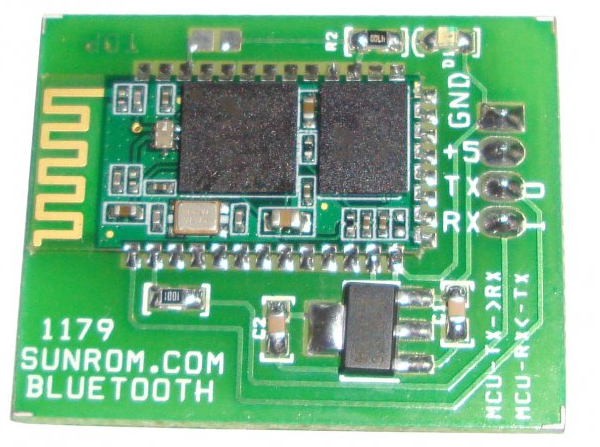
How to send data to a bluetooth module from a Linux machine

Hi Guys

    This is a quick tutorial for sending data from a linux pc to a bluetooth module.

I purchased a bluetooth module from sunrom. 

Connect this bluetooth module to an arduino or any interfacing board.

Wednesday, November 21, 2025

How to open and close a process from a python script

Hi guys

     I am giving some idea about  how we can start and stop a process using a python script. This will be useful when we need to start a process that is outside the script

I am running two python scripts. One is master script, this script will start the slave script. Slave script will execute continuously upto 5 sec and it will terminated by the master script

Master script

 #!/usr/bin/python  
 import time  
 import subprocess  
 #starting process python while.py  
 proc = subprocess.Popen(["python","while.py"],shell=False)  
 #5 sec delay  
 time.sleep(5)  
 #killing process  
 subprocess.call(["kill","-9","%d" % proc.pid])  
 #waiting for killing  
 proc.wait()  
 print 'poll = ',proc.poll()  


Slave script


 #!/usr/bin/python  
 while 1:  
      print "hello"  


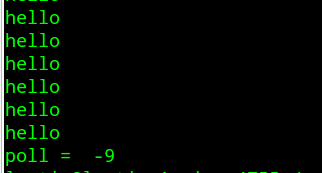
Output
--------

It will print hello upto 5 seconds after that it will stop and show this message


Sunday, November 4, 2025

Controlling Android Phones using Python and Linux

Hi all

  I am giving a brief tutorial on how to control android phone using python over wifi using PC.

Prerequisites on android phone

1)Wifi ADB Application: It is a tool for doing android debugging over wifi. Here is my previous tutorial about Wifi ADB


Prerequisites on PC

1)Ubuntu 12.04 


Procedure

1)Start wifi adb using above tutorial
2)Start a private server using SL4A.


Thursday, November 1, 2025

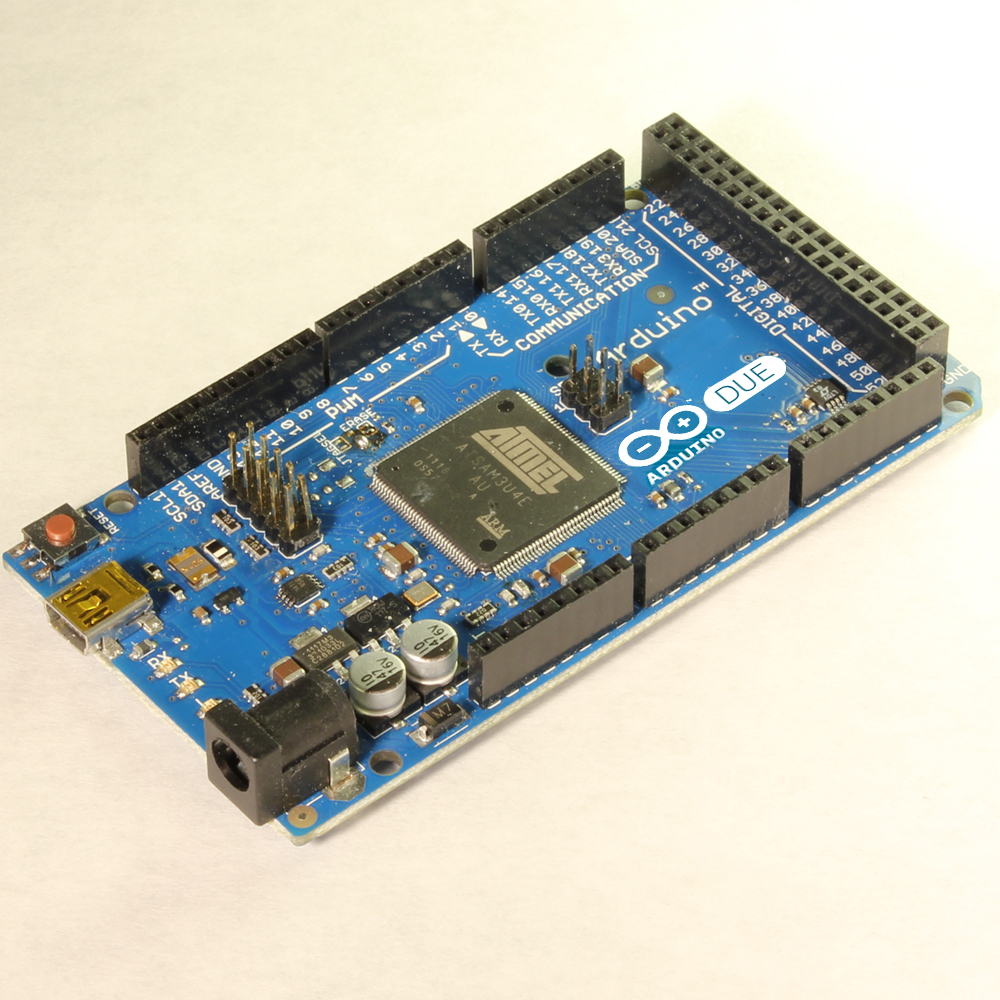
New Arduino DUE

Hi all

   There is a newcomer in the arduino board series. It's arduino due. The main feature of this board is, it comes with an ARM based controller.


Technical Specification


Microcontroller                                           AT91SAM3X8E
Operating Voltage                                           3.3V
Input Voltage (recommended)                           7-12V
Input Voltage (limits)                                   6-20V
Digital I/O Pins                                           54 (of which 12 provide PWM output)
Analog Input Pins                                           12
Analog Outputs Pins                                   2 (DAC)
Total DC Output Current on all I/O lines           130 mA
DC Current for 3.3V Pin                                   800 mA
DC Current for 5V Pin                                   800 mA
Flash Memory                                                   512 KB 
SRAM                                                           96 KB (two banks: 64KB and 32KB)
Clock Speed                                                   84 MHz


Saturday, September 22, 2026

Speech Recognition on arduino

Hi 

  I have seen a library for doing speech recognition on arduino. Check the following link for seeing more information.

Features

  1. Letter based recognition
  2. Small memory footprint
  3. Arduino Compatible
  4. No training required
  5. Fixed point arithmetic
  6. 30% - 40% accuracy if based on phonemes, up to 80% if based on words.
  7. Plugs directly into an analogRead() port


Friday, September 21, 2026

Working with LinkSprite UART-Wifi Module

Hi all

    I purchased an UART-Wifi module from rhydolabsz.

Product link


Testing Wifi Module using the given PC tool
----------------------------------------------


Saturday, September 15, 2026

Arduino PID library

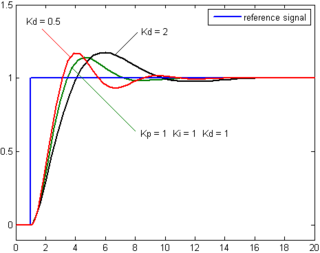
PID Library implemented on arduino


Check this link
http://arduino.cc/playground/Code/PIDLibrary


Thursday, September 6, 2026

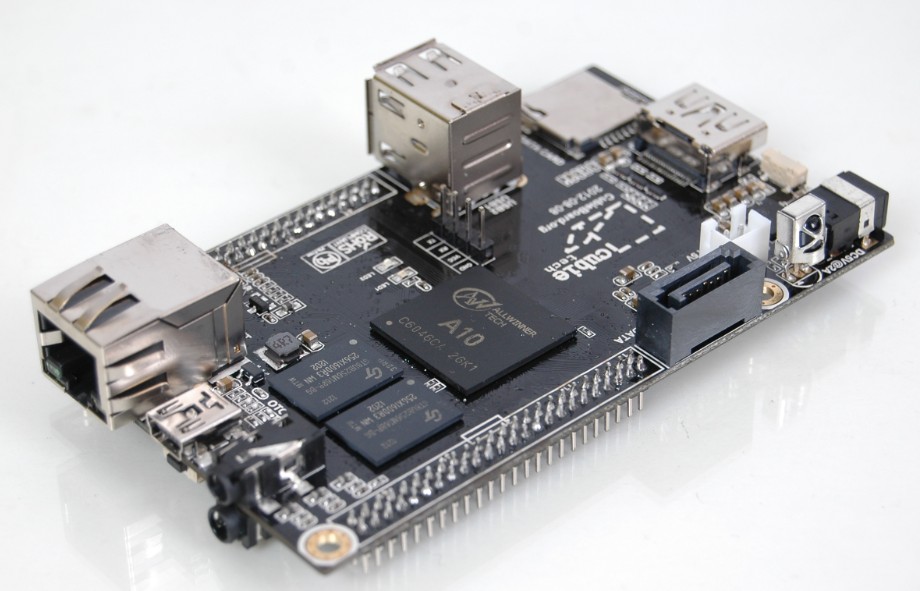
Cubieboard: A threat to Raspberry Pi

Hi Guys

     I saw a new embedded board that can be a competition for the famous Raspberry Pi. The name of the board is Cubieboard. Specs given below